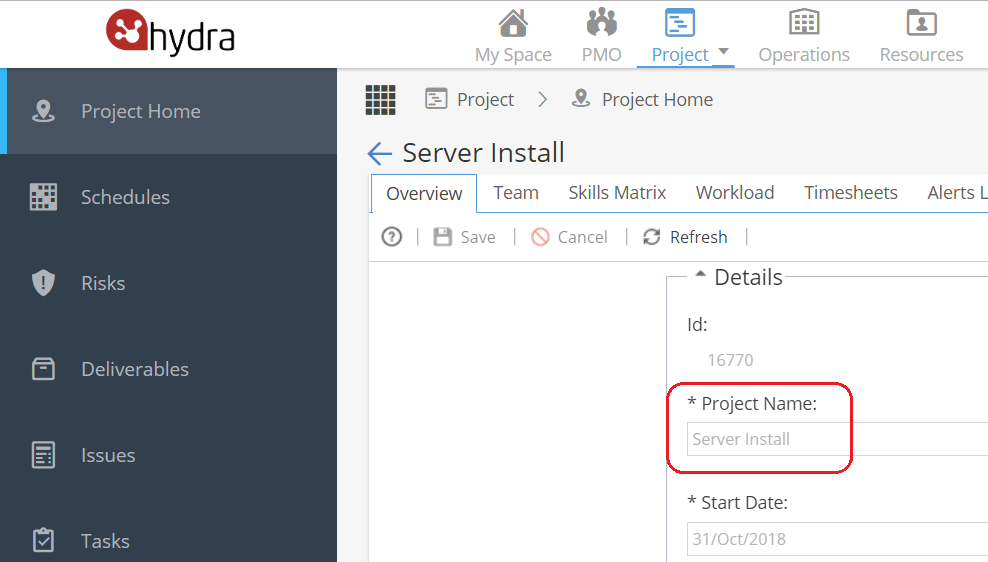
There are two places the Project name can be updated:
1) PMO > Projects > Project Details > Overview
Scroll down to the Details section
Double click on a field to edit
Update the Project Name and Save
2) Project > Project Home > Overview
Scroll down to the Details section
Double click on a field to edit
Update the Project Name and Save