You will need to have access to the PMO menu in Hydra
This will take you to PMO > Projects > Projects List
The delete icon will appear greyed out if there are none or multiple Projects selected.
You can only select one Project at a time for deletion: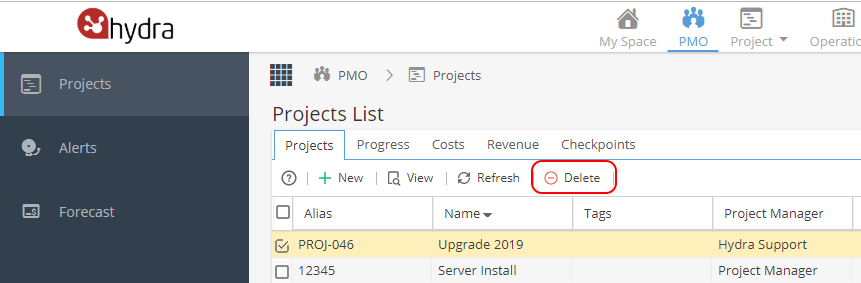
You will be asked to confirm you want to delete the Project as this action can not be undone.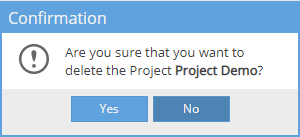
If you delete a Project accidentally, it would need to be recreated, deleted Projects can not be recovered.
History of Projects you have deleted will appear in My Space > My Overview if you have the Background Tasks Admin Console widget. You will not be able to see any of the Project information, only the name and date deleted.
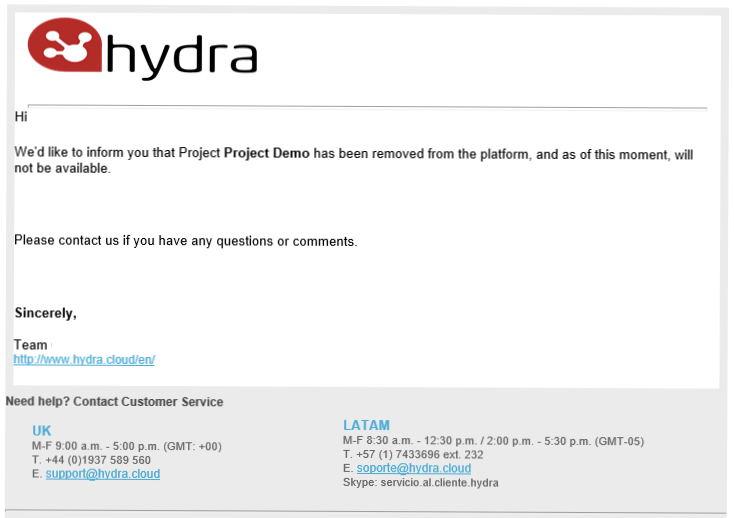
Some users (e.g. Project Manager) will receive an email to advise the Project has been removed