The Calendar manager can be found by clicking on the Calendar icon on the Gantt (View working time):
This will open the Calendar Manager as a pop up window: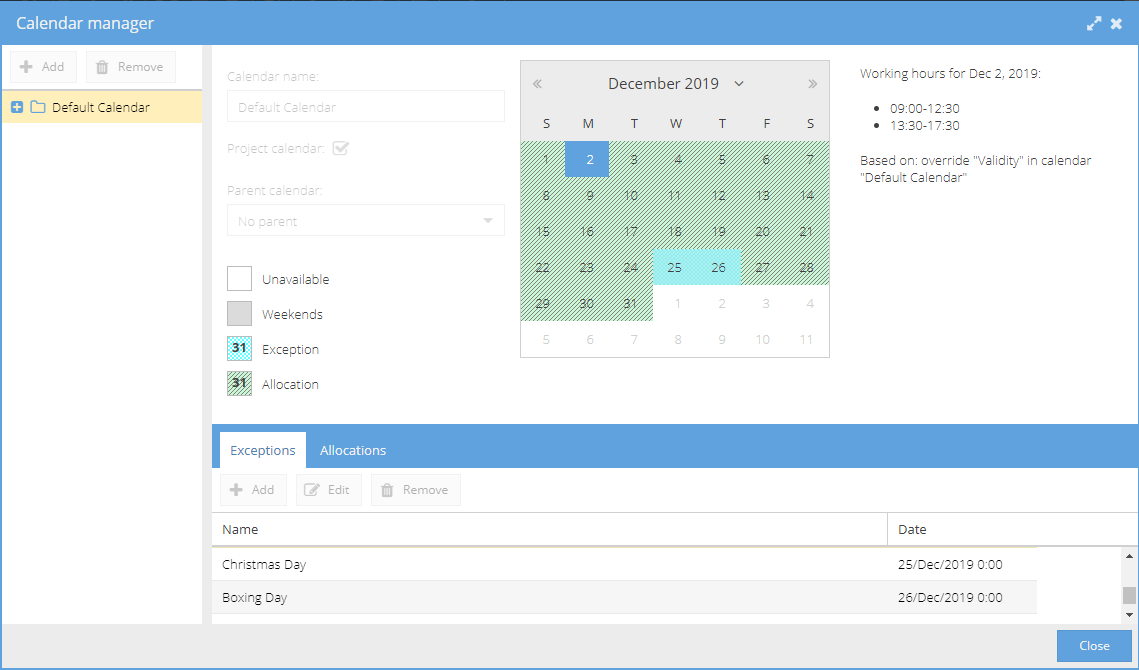
On the left hand side you can see the Calendar names.
Click the + icon to expand the list to see which Resources use this calendar.
If you select a Resource from the list, the main calendar view will update to show their allocation / working hours. The Working hours are based on the settings under Admin > Calendars > Calendar Settings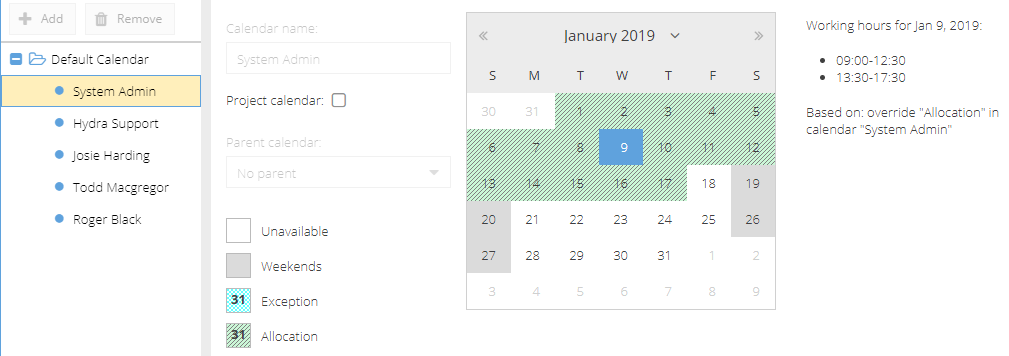
At the bottom of the page you have two tabs.
Exceptions - Will show you a list of exceptions configured for this calendar under Admin > Calendars > Calendar Exceptions
Allocations - This tab allows you to see Allocation once a Resource has been selected from under the Calendar Name: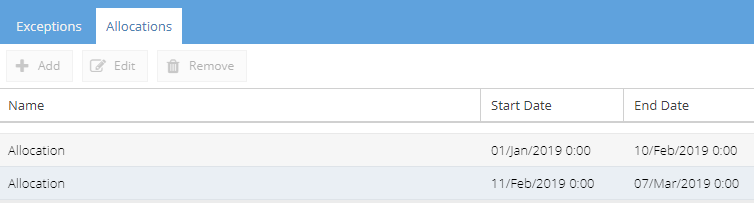
Note: If the Allocation name show "Validity" it means you have a calendar selected instead of a Resource.