The Show Timeline button on the Gantt, toggles a view on / off to display a timeline bar between the toolbar and the Gantt chart.
Before you use the timeline, go to the Gantt and click on the "Add new column"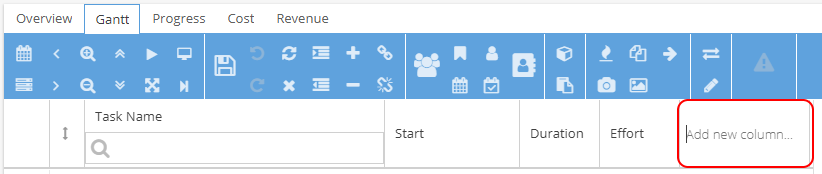
Select the option for "Show in timeline"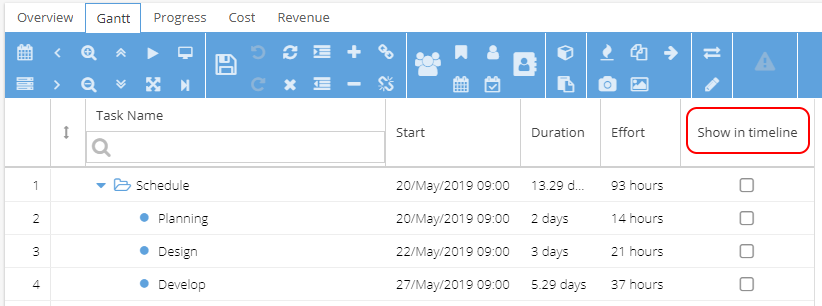
Use the checkbox for any parts of the Schedule you would like to be included in the timeline, or tick the first row to see a summary of the entire schedule.
Click on the Show Timeline icon  to make the timeline appear, as shown below: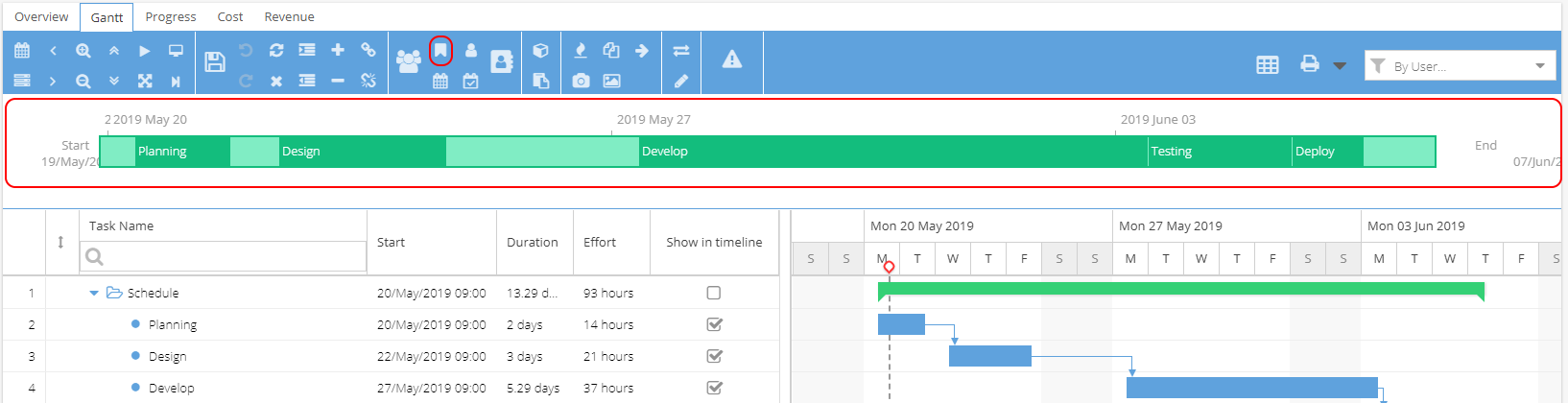
Click on the Show Timeline icon again to hide the timeline.