The Show Resource Usage tab toggles between the Gantt Chart view and a chart showing Resource Usage / Availability (View Only).
Before you click on the icon use the magnifying glass to zoom in / out to the level you wish to view e.g. Daily, Weekly etc.
Click on the head icon to Show Resource Usage 
Click on a Resource Name in the list on the left if you want to expand the view to give a breakdown by Task.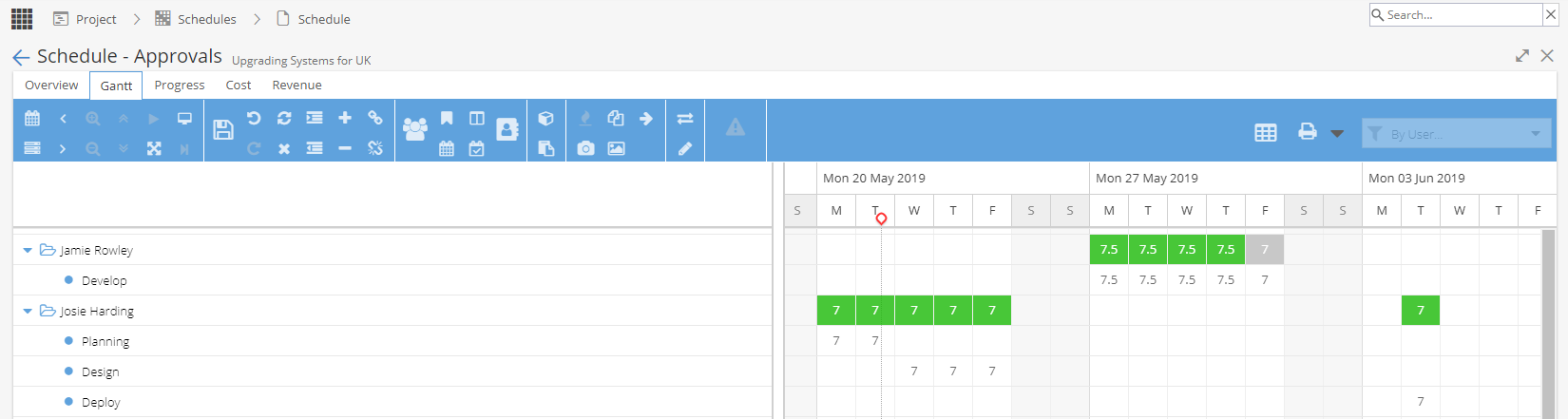
To revert back to the Gantt chart, click the icon 