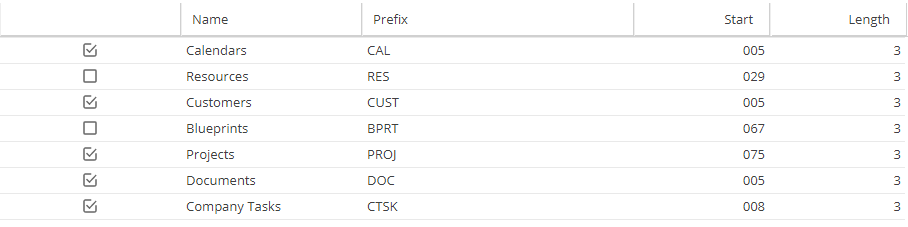
The Alias field applies to Calendars, Resources, Customers, Blueprints, Projects, Documents and Non Project Tasks.
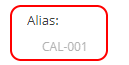
Does the Alias show in a text box?
-
Double click and edit this field with the new Alias.
Remember to click Save after changing.
-
If you can not see a text box this field is being populated automatically.
Check the settings under Admin > Configuration > Company Preferences
"Automatic Alias"