From Project > Schedules > Schedule > Gantt tab
Use the print icon on the top right
This will allow you to export the Gantt as a PDF or PNG image
You will have a pop-up box showing some settings: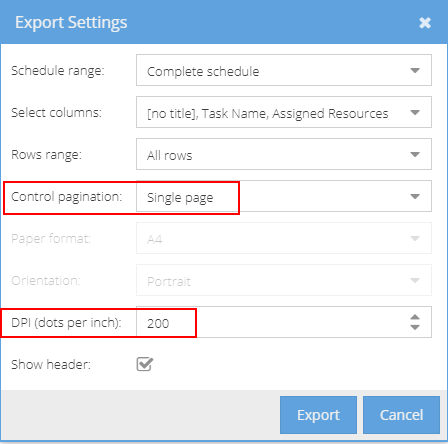
It is usually recommended to have the pagination option set to Single Page and DPI set to 200 but adjust the options to get the desired result as the Gantt view includes a lot of information it can be difficult to get this to be printer friendly.
Note: The PDF will first open as a new tab - so if it feels like nothing is happening check if you have any icons in your browser to say a pop up has been blocked.