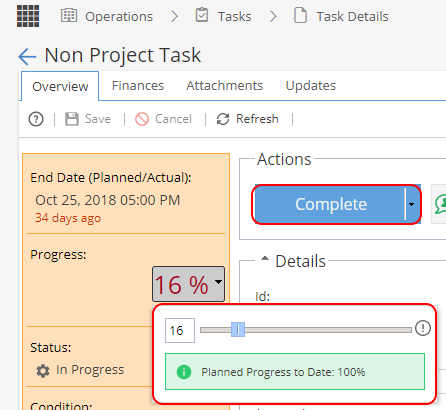
From Operations > Tasks > Task Details you will have a tab for Finances.
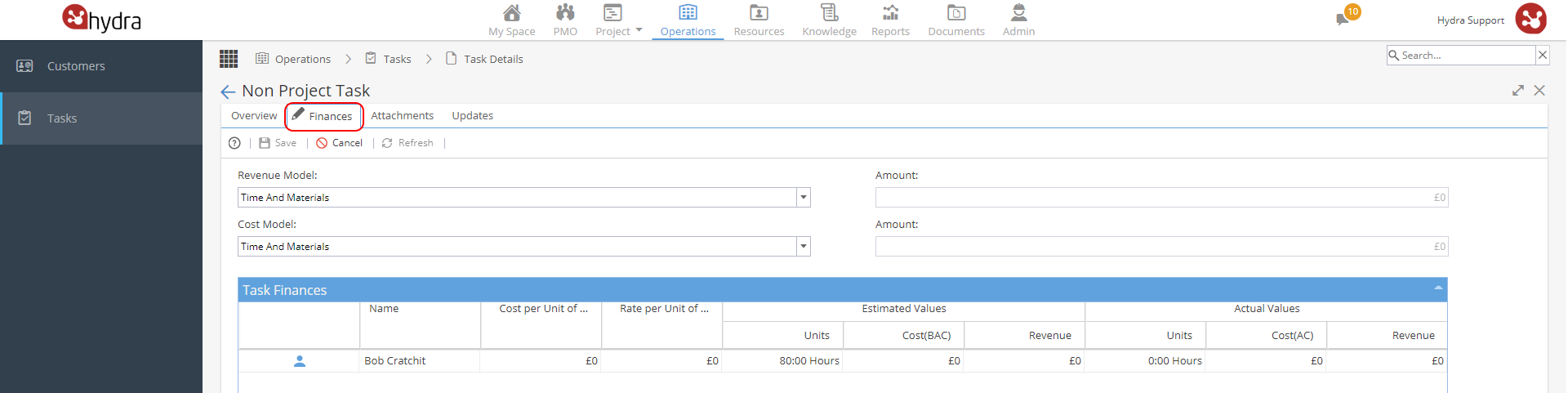
Revenue Model has 3 options:
- Not Billable
- Time & Materials
- Fixed Revenue
Cost Model has 3 options:
- No Cost
- Time & Materials
- Fixed Cost
The Cost and Rates are taken from the Overview Tab (Note: Costs and Rates set for the Individual at Resource Level or the Profile Costs and Rates will not be applied here).
The estimated hours are taken from Resources > Planning > Scheduling tab
When you double click on the Non Project Task a pop up window will allow you to change the scheduling mode / duration / effort: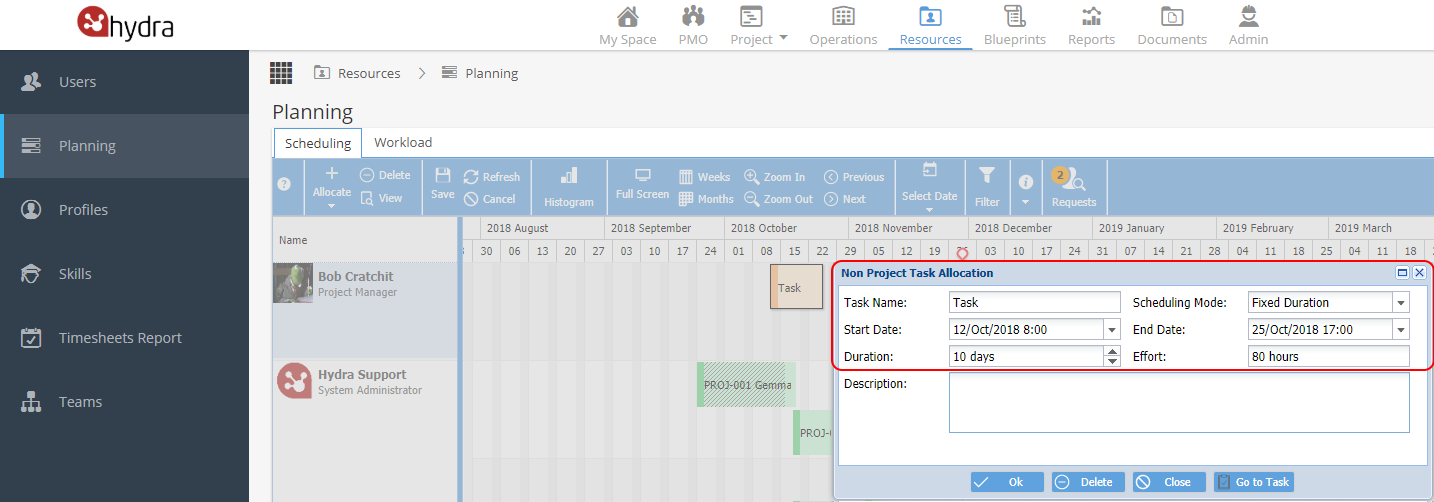
If the overview tab is set to use time logs, the actual values will be calculated based on time logged for the Task.
Time can be logged by the Resource using My Space > My Timesheets
The Progress can be updated from the overview tab, this action will also update the actual hours and values: