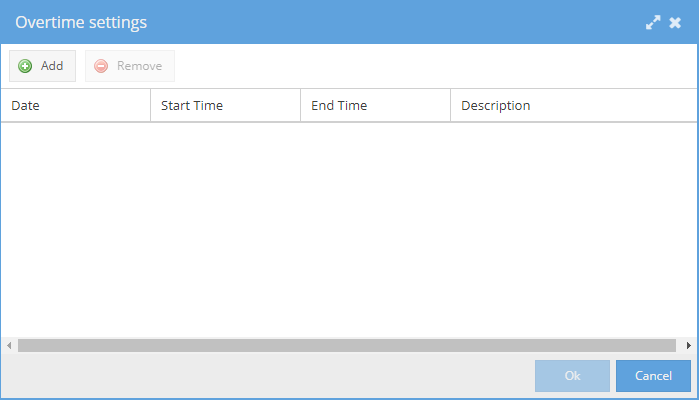
The Resource manager lists all resource on the project, both real and generic. Their Name, Profile, Type (real or generic) and any Skills these resource may have are shown.
Clicking on the Add Generic Resource button will add a new generic resource. You can change its name or profile by double clicking in the relevant cell, and remove it by clicking on the Remove button when the generic user is highlighted.
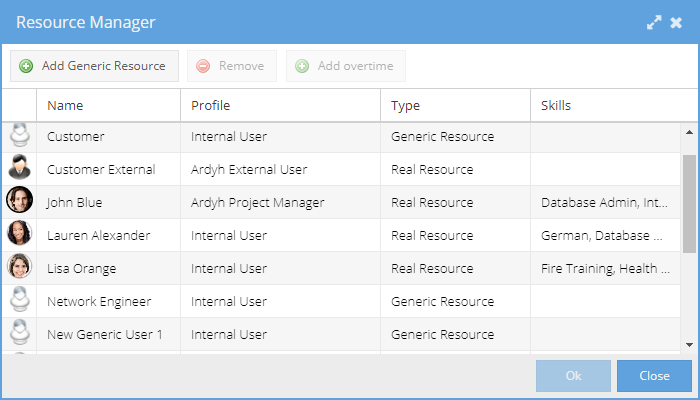
When a Real Resource is selected, the Add overtime button replaced the Resource Manager with the Overtime Settings screen, allowing you to Add new lines for overtime or Remove lines that are no longer required.