Right click on the Deliverable (or Risk / Issue) and select "Return to Backlog".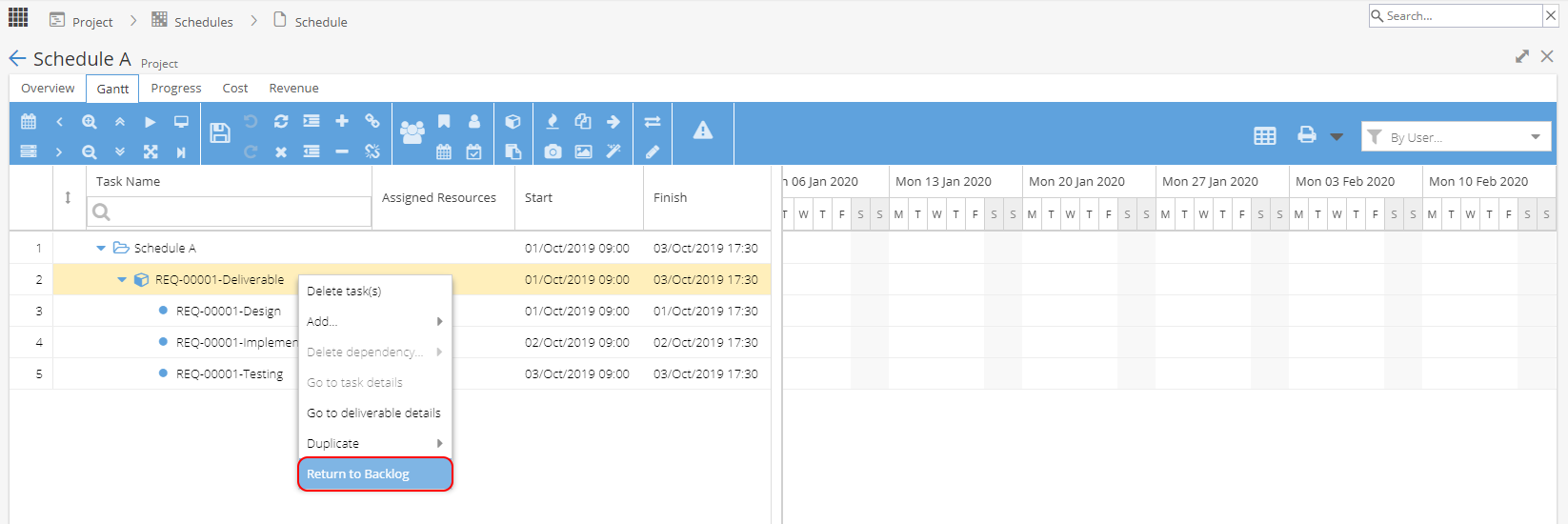
Remember to click the Save icon to keep your changes.
The Deliverable / Risk / Issue will then be available to plan again by using the cube icon to open the Deliverable Manager.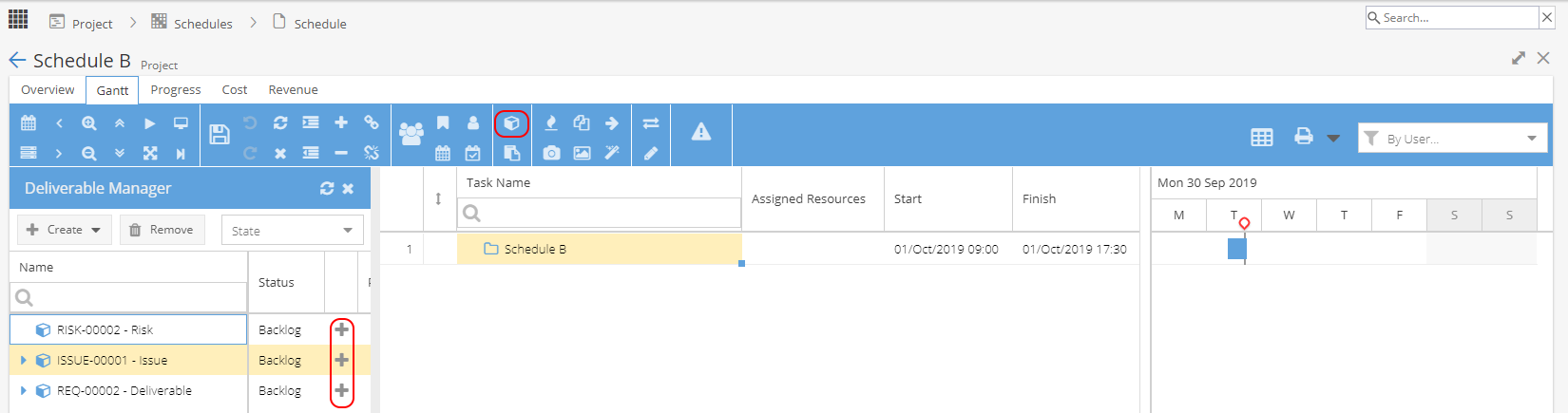
The "Return to Backlog" option will be greyed out if any Progress has been made.
You will need to remove any progress / time logs before this option will be available.
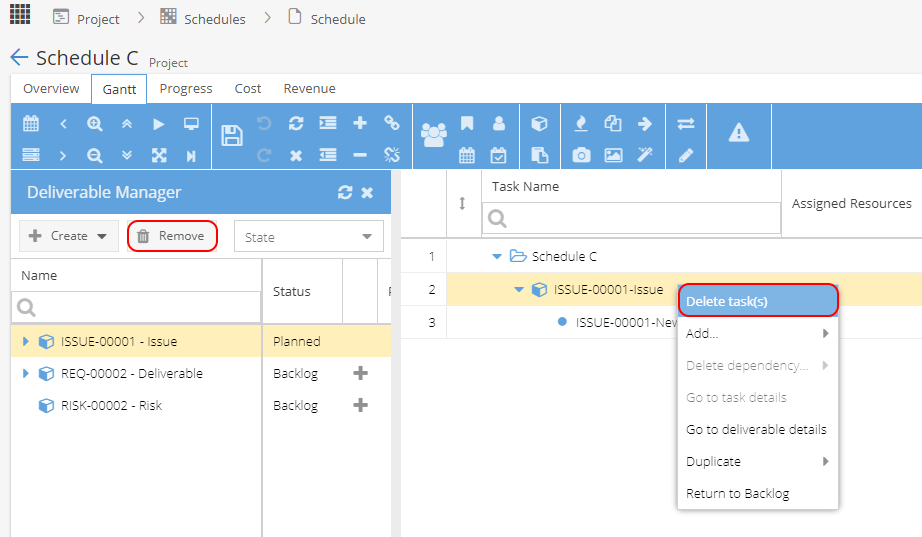
Note: If you right click on a Deliverable / Risk / Issue and select the option to Delete Task(s)
or use the Remove button from the Deliverable Manager,
this will permanently delete the Deliverable / Risk / Issue and it will need to be recreated.