If you have access to the Resources menu, locate the User on the Internal / External tab.
Right click on the User and select More Options.
If the Remind Invitation / Reset Password option shows available, it means that the User has never logged in and you can use this option to re-send the email to log in to Hydra.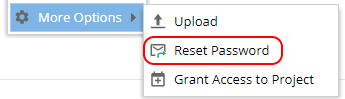
If the Remind Invitation / Reset Password option shows greyed out, it means that the User has previously logged into the system successfully.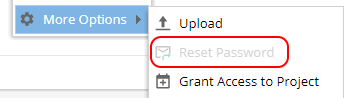
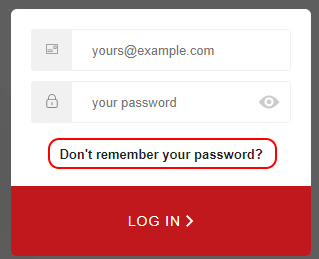
If the option is greyed out the user should go to https://app.hydra.cloud and use the "Don't remember your password" option.