Go to Hydra https://app.hydra.cloud
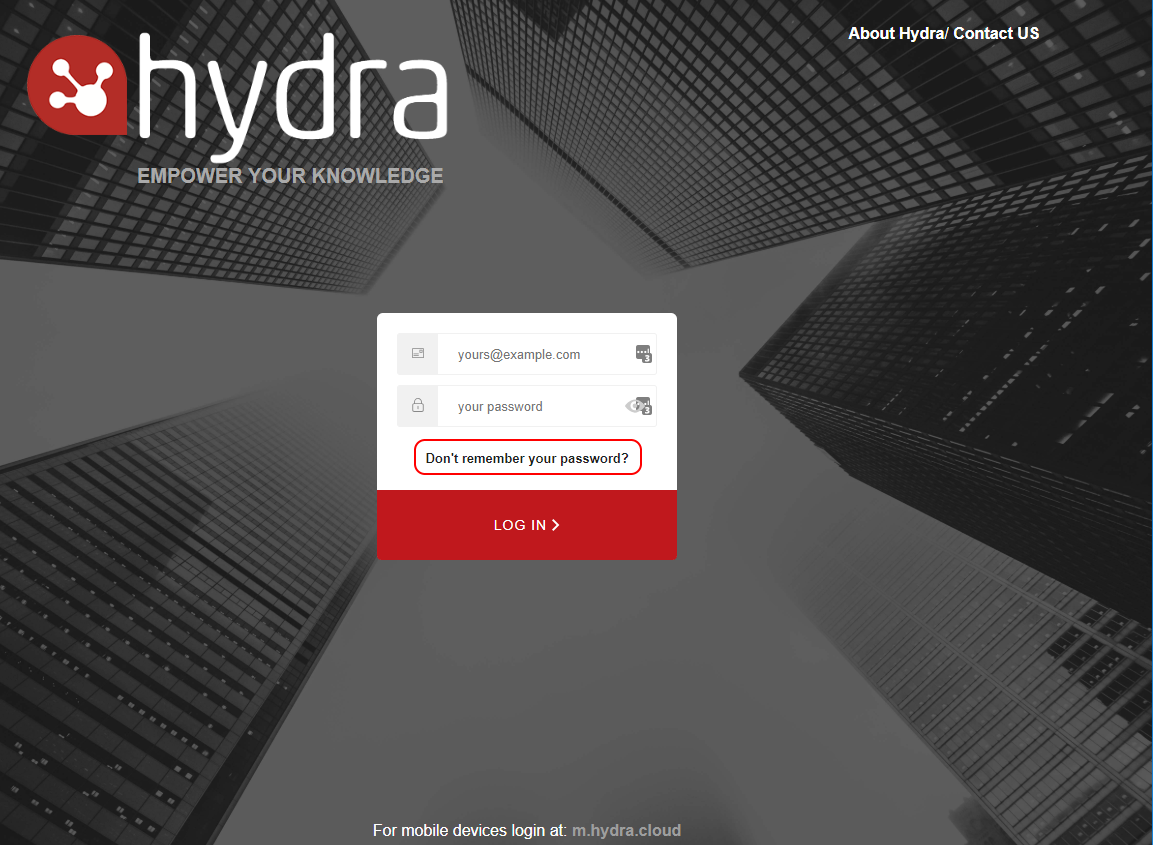
If you have forgotten or lost your password simply click the Don't remember your password? link on the login page.
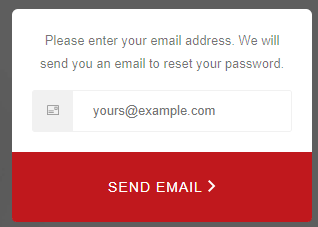
Enter your email address and click Send Email and you will receive a password reset email with further instructions shortly.
The email will be sent from info@hydra.cloud and will look like this: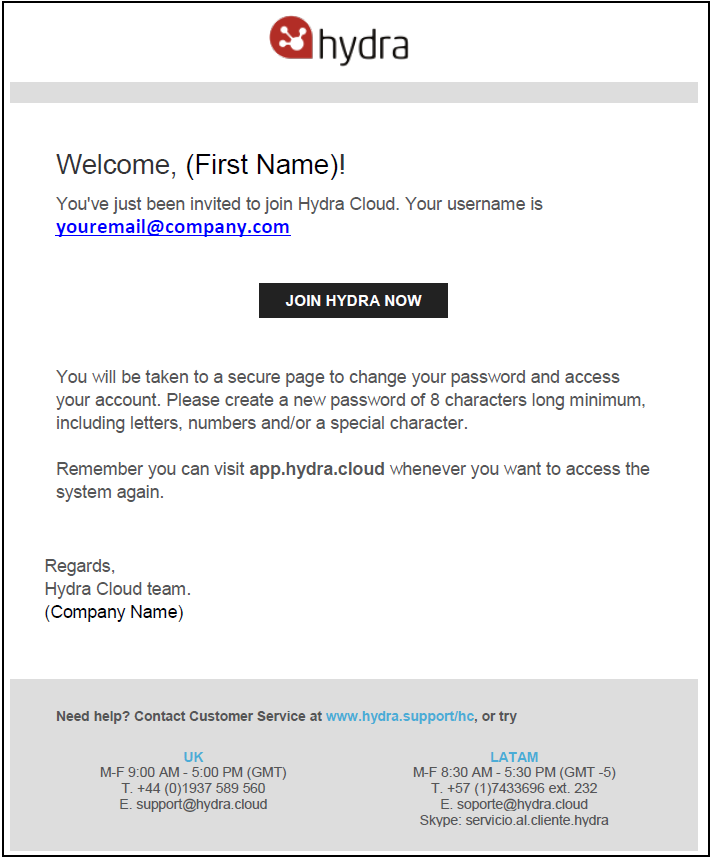
When resetting the password you will be advised of the requirements, any rows show in red have not been met.
If you get any errors saying Access Expired, it means the link is no longer valid. You can reset your password again to get a new link sent via email or contact the Support team for further help.
 If you are trying to log in to Staging you will not receive any emails from Hydra. For any queries around logging in to Staging please contact the Support team for assistance.