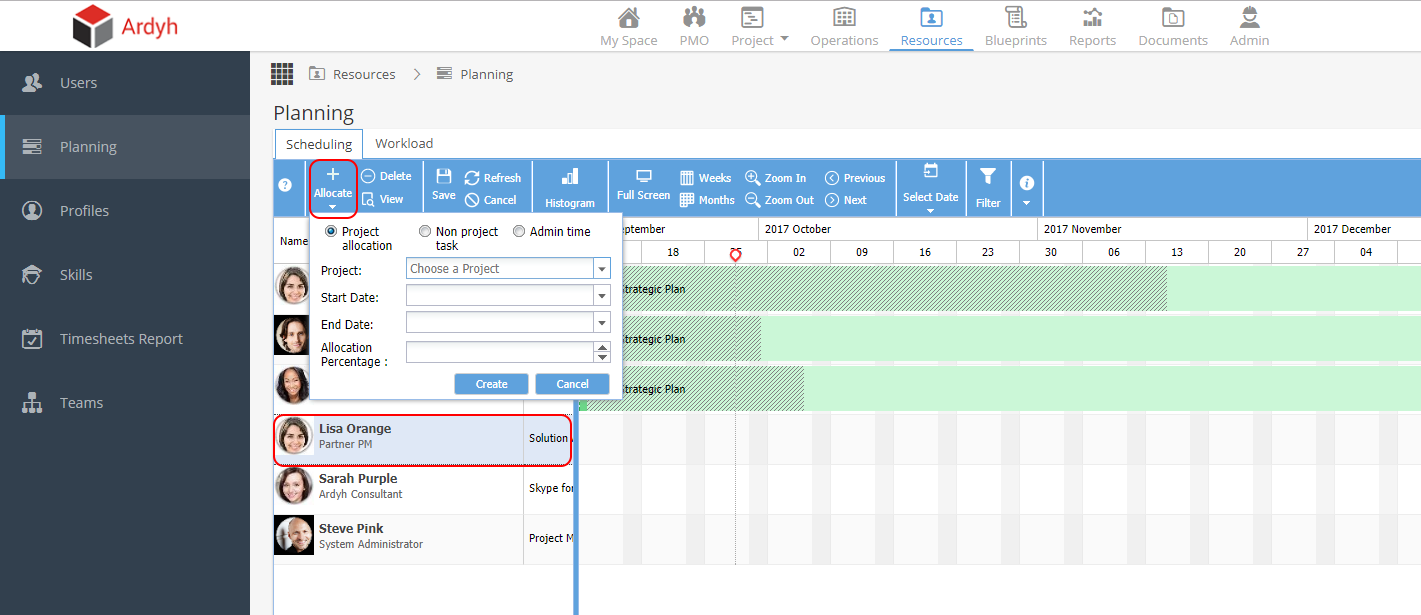
Before a project manager is able to assign resource to a task, the resource must be allocated to the project. To allocate the resource you will need access to the Resources section of Hydra.
To allocate resource:
Navigate to the Planning sub-menu in the Resources section.
Find and Select the user you wish to assign.
Click the Allocate button and select the project you wish to assign the user to.
This user will now be available to assign to tasks within the project.