Windows
Right click on blank space on your desktop.
Click New > Shortcut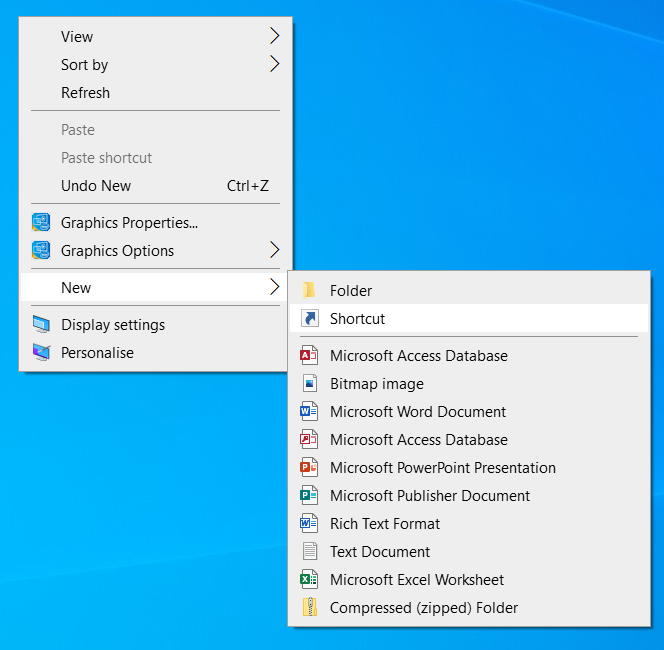
Follow the prompts on the wizard, add the URL https://app.hydra.cloud and click Next.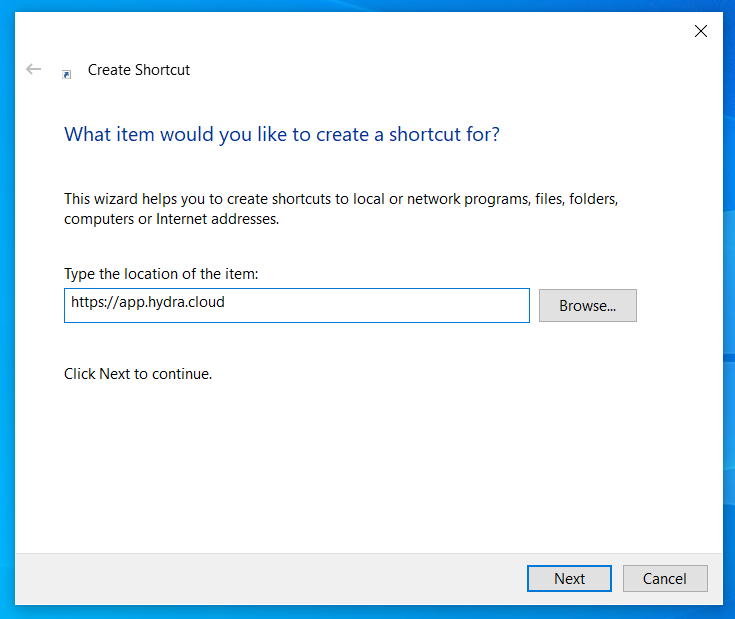
Name your Shortcut e.g. Hydra
Click Finish.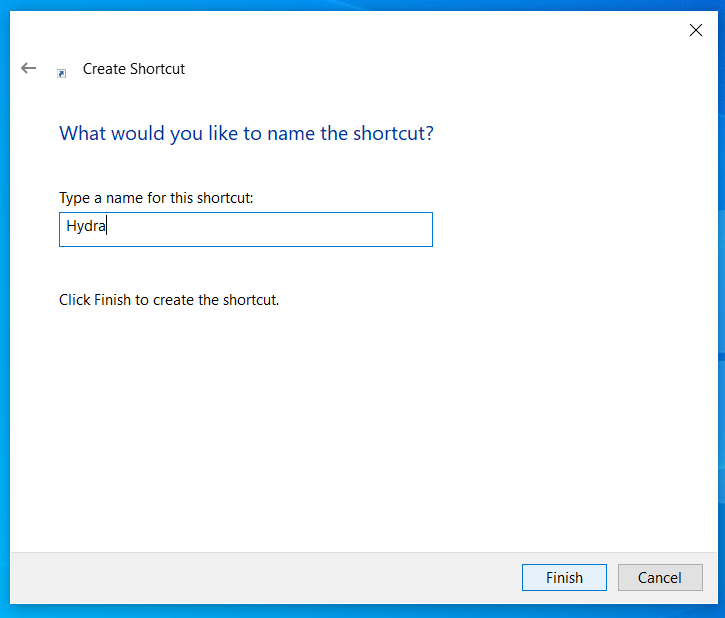
The shortcut will now appear on your desktop, using your default browser (we recommend to use Chrome)