| Current Status | How to Delete |
| Unpublished | From the Schedules List screen. Select the schedule (the row will be highlighted yellow). Click on the Delete button. 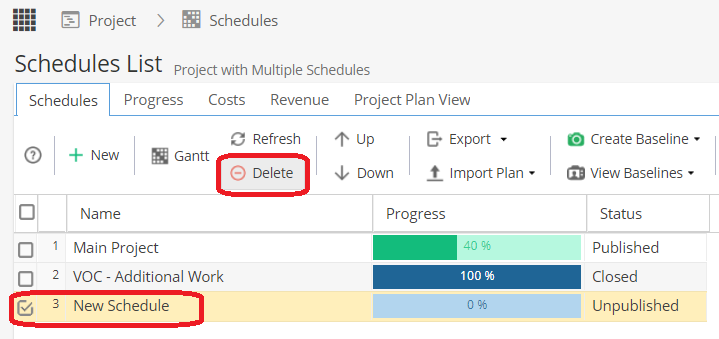 You will be asked to Confirm you want to go ahead. Note: This action can not be undone. 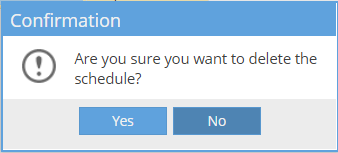 |
| Published | You can only delete a Published / Closed schedule if: - There are no Tasks with progress - No Resources assigned to Tasks Otherwise you will see an error. |
| Closed |