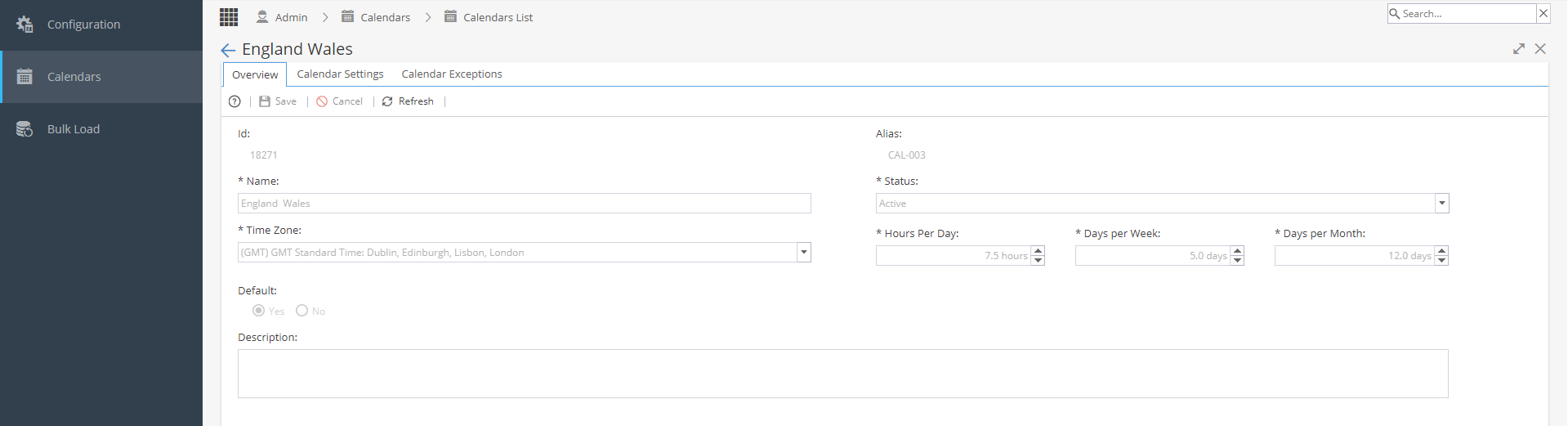
Once a calendar has been selected you will be taken to the Overview tab.
This tab shows:
ID & Alias
Name
Status - Active / Inactive (To change the status you must do this from the calendar list view)
Time Zone
Hours per Day
Days per Week
Days per Month
*The Hours / Days are used for conversion calculations in the Resources > Planning > Workload tab
Default - Only one calendar from the list can be marked as a default
Description
Note: The Hours / Days fields will allow you to use the arrows up / down to add or minus time.
If you need to add .5 you can type this in manually.
From here, you also have access to the Calendar Settings and Calendar Exceptions tabs to build the actual working days and times for this calendar.