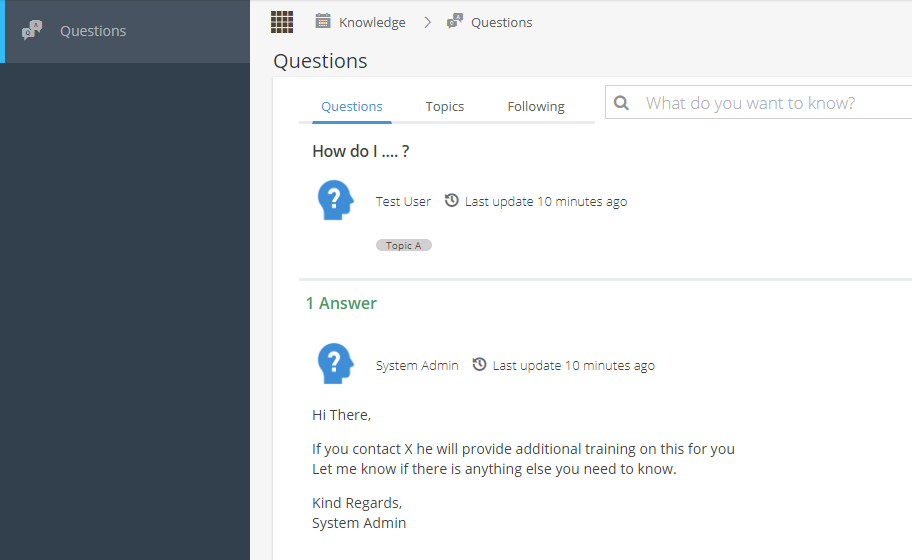
 Note: The idea of this feature is for users to ask questions about your Company Processes rather than the system.
Questions should be answered by an admin user in your company.
For system related support, please continue to contact the team via help@hydra.support
Your profile will determine if you have access to view / edit this section.
To get started an Admin user will need to create Topics, and then people can ask questions relating to those topics.
The topics and questions are managed by your Company, not by the team at Hydra.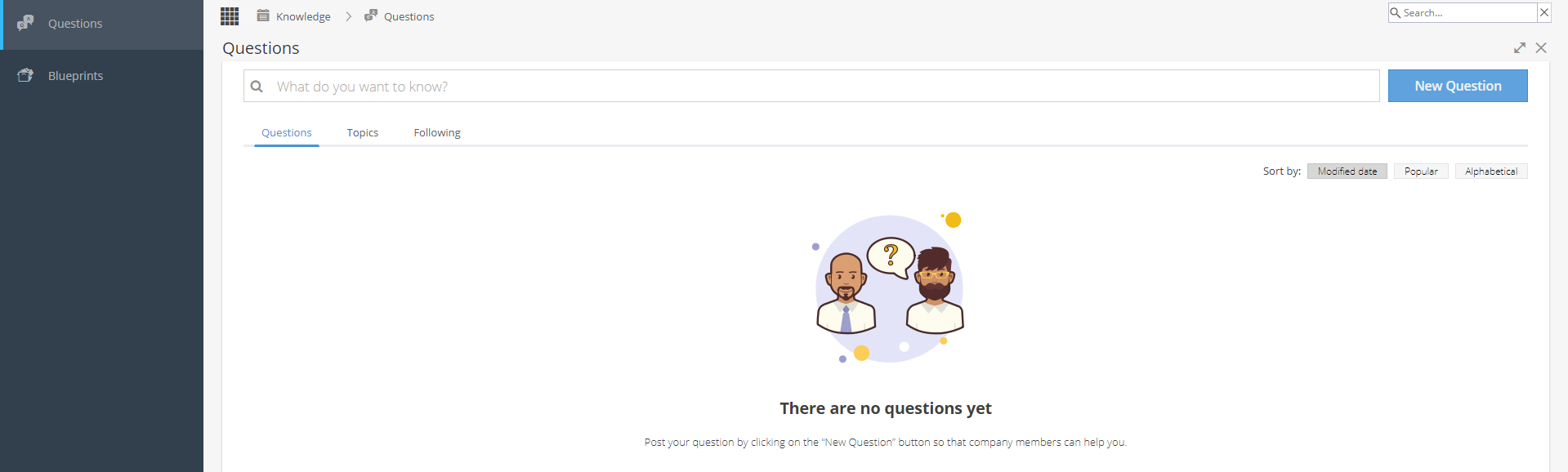
Remember to use the search bar to check if your question has been asked already.
If you need to add a new question, click the blue button on the top right and then fill in the required details: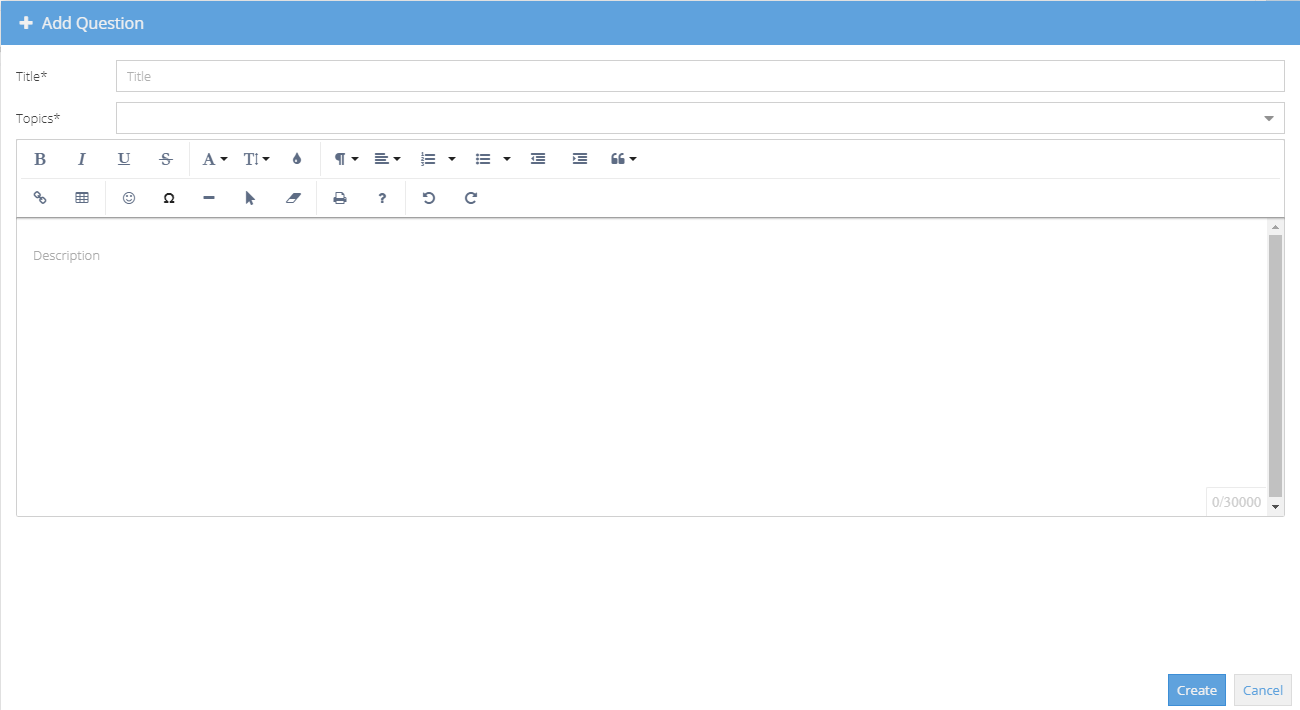
If you are unsure what a button does, hover the mouse over to show a tooltip or click the ? icon for a list of shortcuts.
Once a question has been asked, an email is to sent to the Experts
The email will come from an address ending in @mailer.hydra.cloud 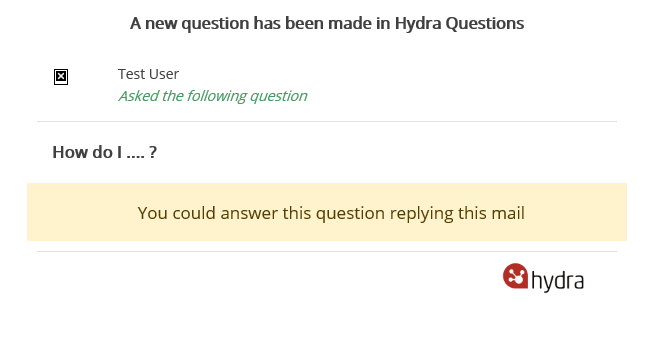
The questions are visible to anyone with access to the Questions menu.
Other users may also be able to provide an answer to help, not just the experts and multiple answers can be given.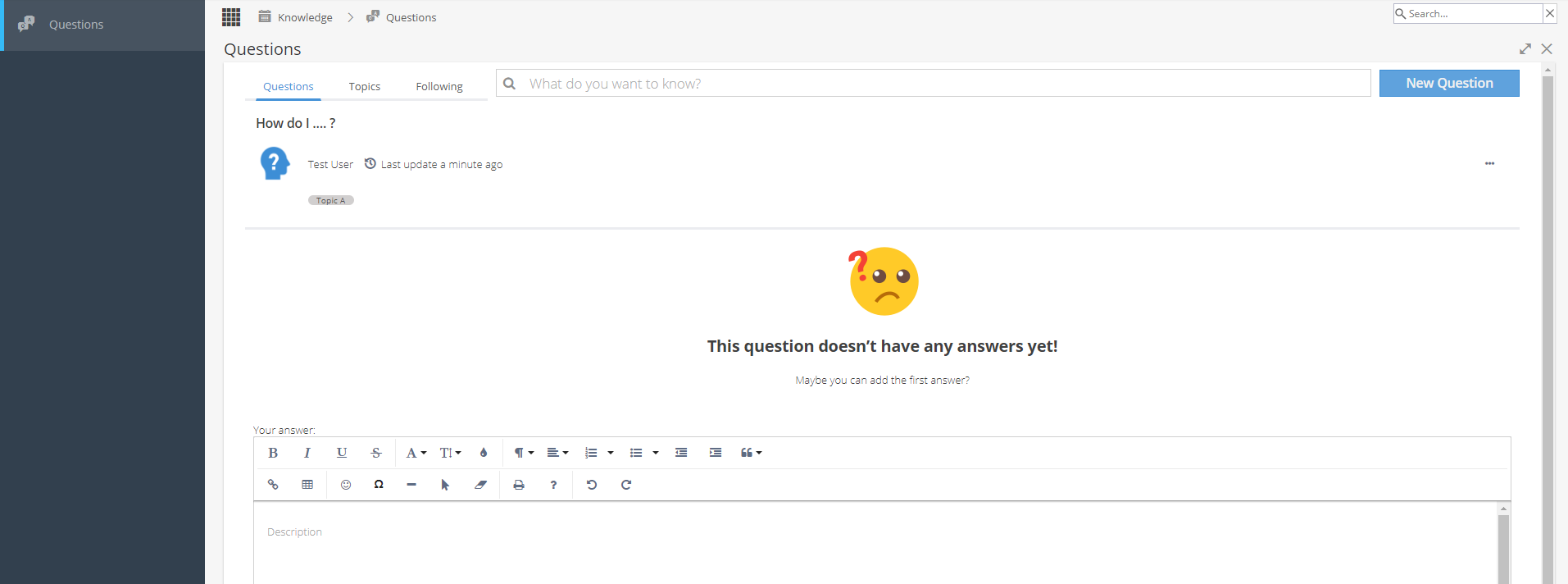
Once your question has been answered you will be able to see the update: