Topics are required before Users can start asking Questions
Topics should be created / managed by an Admin user within your Company.
How to Create a New Topic
How to Manage Existing Topics
Topics should be created / managed by an Admin user within your Company.
How to Create a New Topic
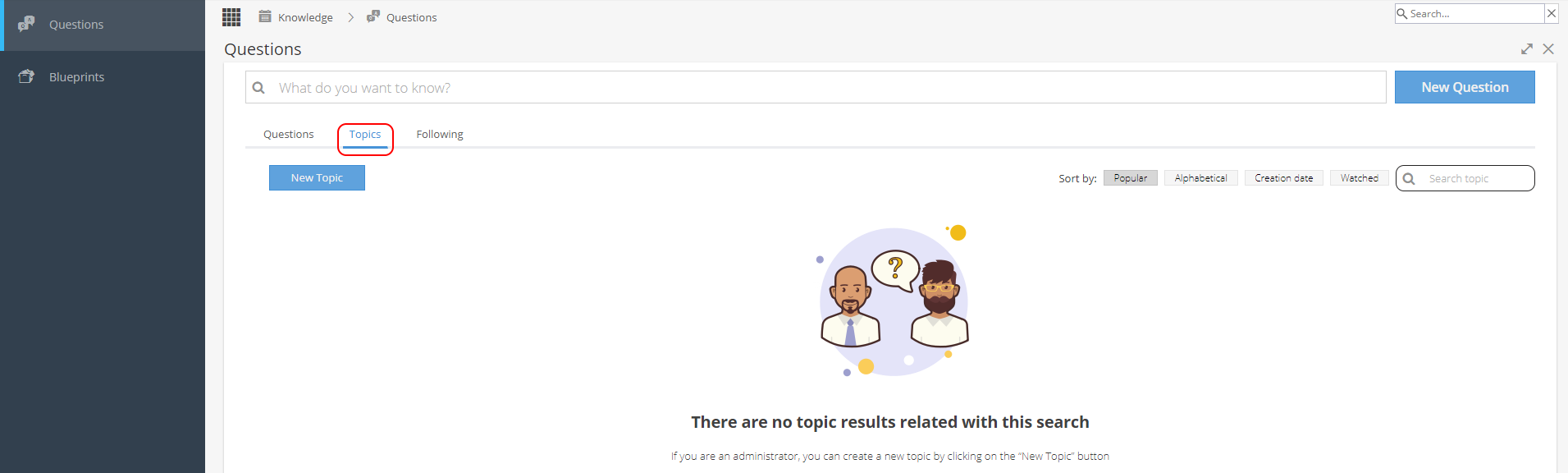
Click on the New Topic button on the top left.
When you add a new Topic you need a Title (Description is optional) and to select at least one Expert responsible for responding to a question. Then click Create on the bottom right.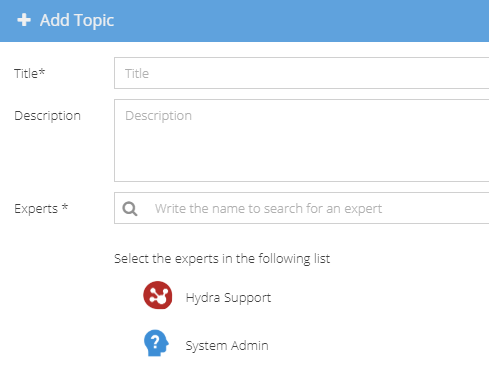
Manage Existing Topics
On the top right you can sort or search your list of existing Topics.
Click on the Name of a Topic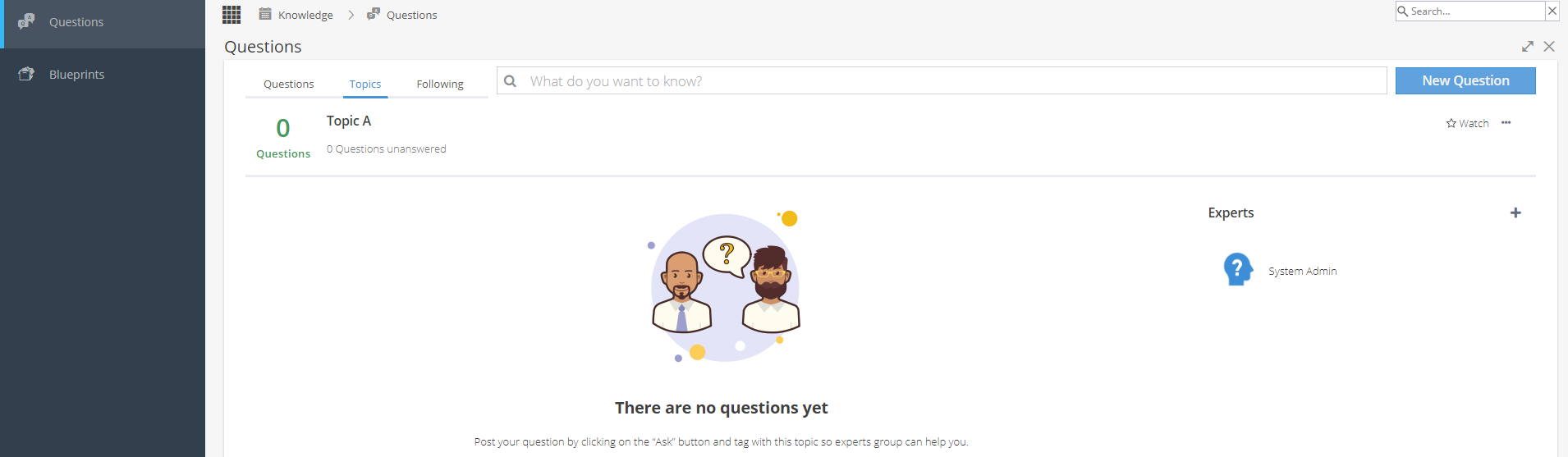
On the right hand side you can update the Experts responsible for answering questions raised under this Topic.
Hover over an existing expert to get the X appear to remove a User.
Use the + icon to add an expert.
Note: You must have at least one expert on the list, so you may need to add the replacement before you can remove someone.
Above the Experts section you have several options:
Watch - Start / Stop watching the topic

The Ellipsis allows you to Edit or Delete a Topic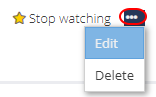
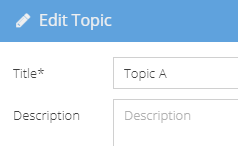
The Edit is to update the Name and/or Description