Operations > Tasks
This shows a list of Non Project Tasks created.
To see how to create a non project task, click here.
The Tasks List can be exported to CSV, PDF or Excel format.
The Tag/Untag option allows the user to add / remove tags from one or multiple Tasks, depending on what has been selected.
Using the search bar at the top right you can do a quick search by name or alias, or filter the list by tags by using the drop down option.
The Filter option will give you a variety of options as shown below: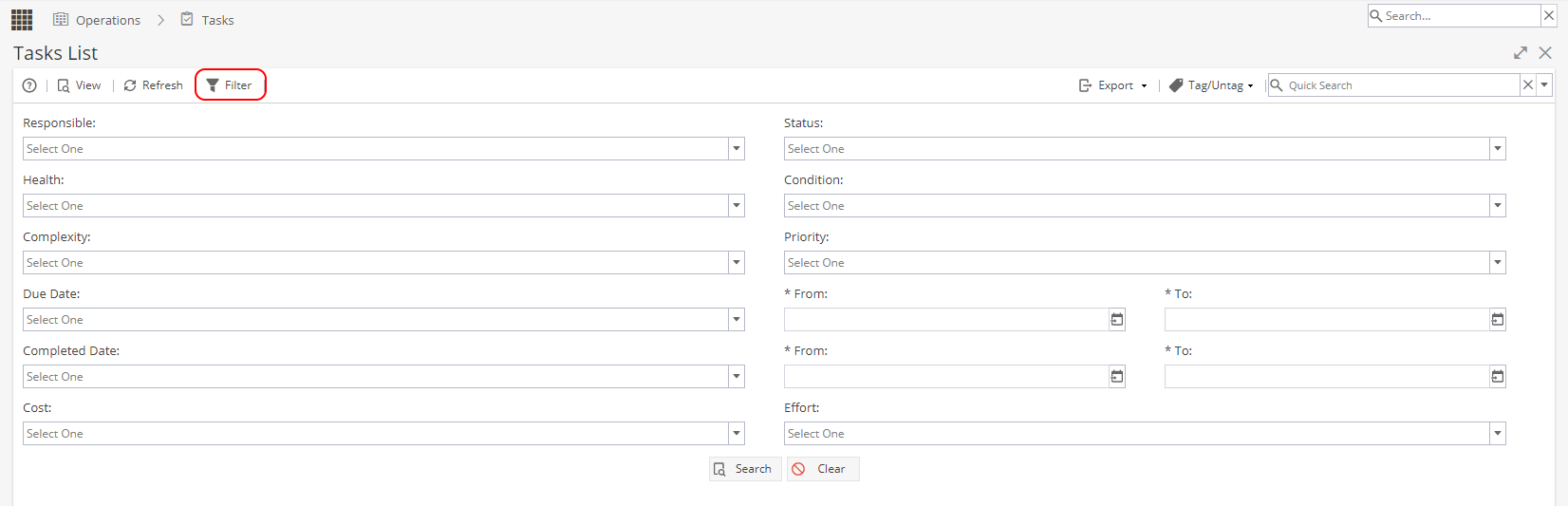
Clicking on a task name and clicking View (or double clicking on a Task) will take you to the Overview tab