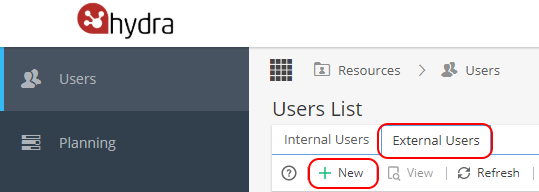
From Resources > Users > External Users (tab) click + New
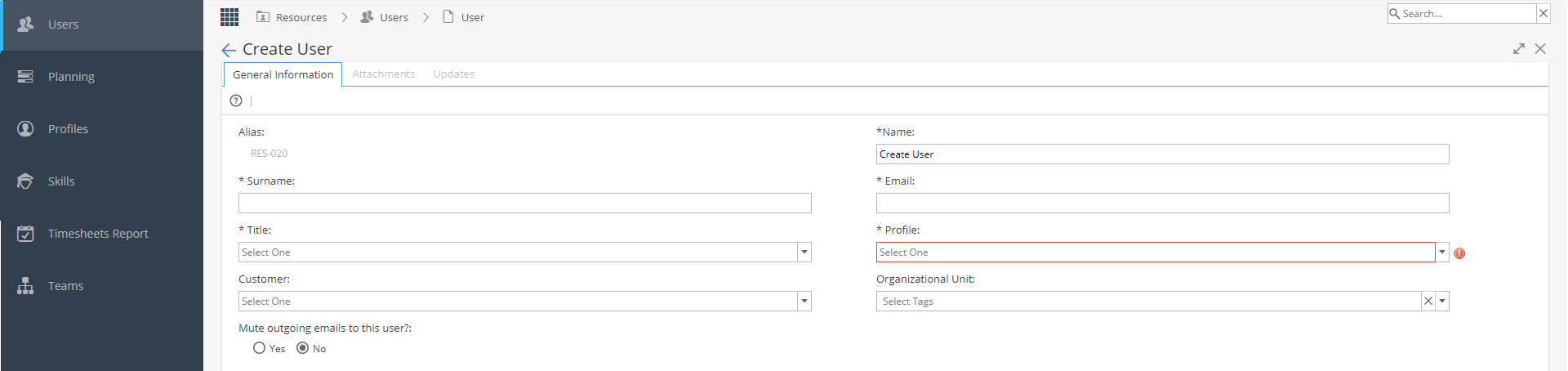
Enter mandatory fields:
Alias (Also known as Resource Code*Only required if not system generated)
Name, Surname, Title
Email
Profile (*Profiles available when created based on Standard Access - External or Restricted Access. For more information on Profiles click here)
Add optional information where applicable:
Customer
Organisational Unit *Will only appear if Admin > Configuration > Company Preferences has "Activate Organizational Units" set to Yes
Hit the button OK to create the External User.