When you go to Knowledge > Blueprints > Company Blueprints > Overview and click on the Template Project icon you may see an error to say you don't have access: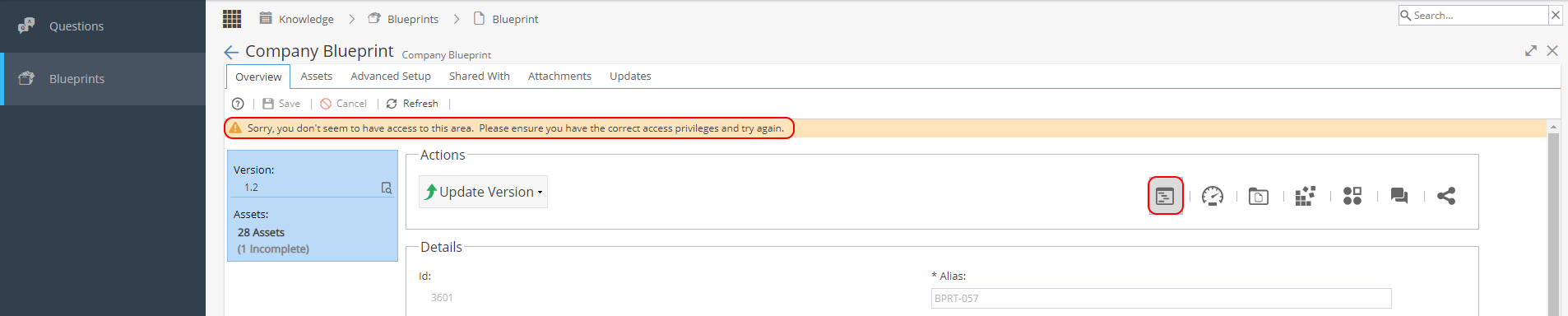
To have access to this part of the Blueprint you need to be added as the person Responsible in the Details section and then click Save: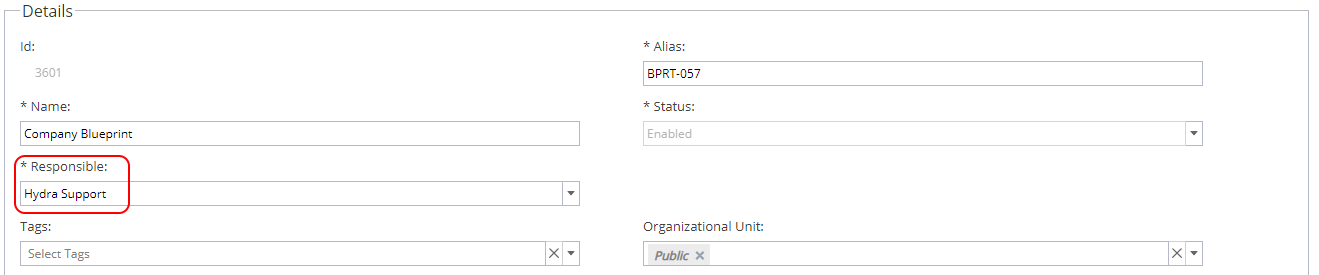
Note: Anyone who was listed as Responsible previously will continue to have access. When you change the user Responsible this is in addition to anyone who had access already but only the last name added will appear in this box.