The Overview screen for Company Blueprints allows you to go to different areas to review or configure your Blueprint:
Blue Information Panel
Actions
Details
Projects Governed
Grant Access to Projects Governed
Blue Information Panel
This section will show you:
The current version number (only if there has been more than 1 version)
The number of Assets and how many are incomplete.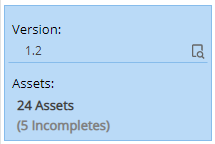
Actions
Update Version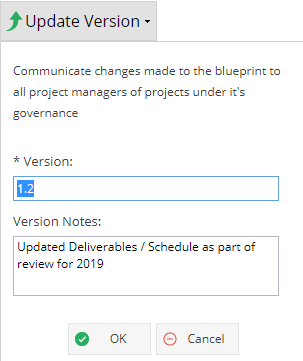
- Confirmation box will appear to confirm version update was successful
- Blue Information Panel will be updated with latest version number and notes
- The Updates tab will have an audit record in the Change Logs - Template Project
Takes you to the Project Home Overview tab which allows you to set up a Template with a Schedule, Finances etc for the Blueprint - Dashboards
Takes you to the Reports > Dashboards screen but all the Dashboards will be coloured Blue to remind you this is set within the Blueprint, not just a single Project.
Any Projects you create using a Blueprint will have consistent reports - The Project Manager will be set as the Dashboard Owner.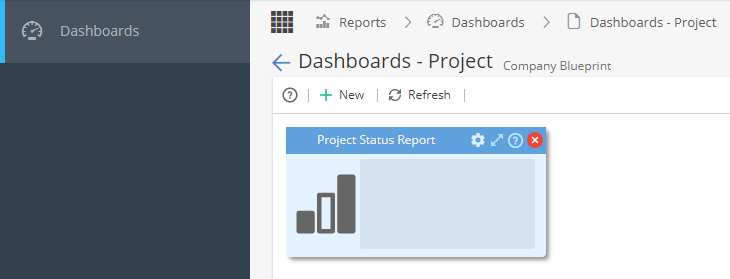
 - Documents
Takes you to view the Project Folder to see any Documents used for this Blueprint - Assets
 - Advanced Setup
 - Updates
 - Shared With
Details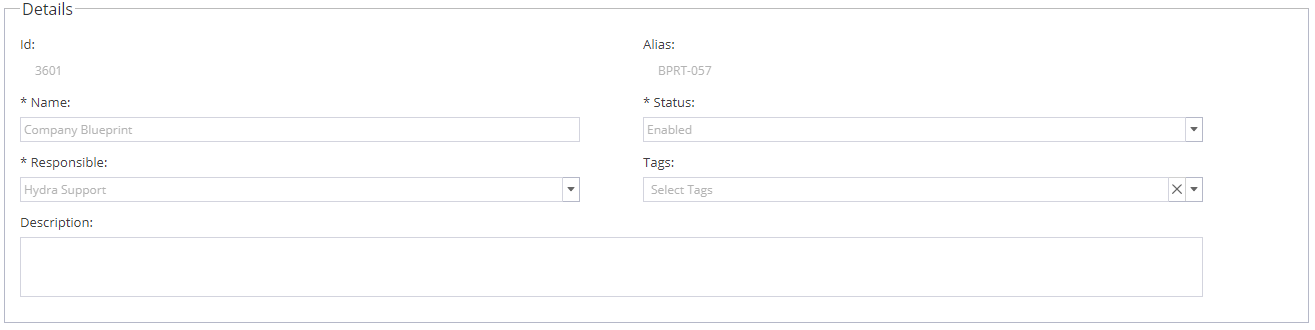
System ID #
Alias (This field can not be edited if Admin > Configuration > Company Preferences > Automatic Alias is set to be generated by the system automatically)
Name
Status (Enabled / Disabled)
Responsible (Will populate to show user who first created the Blueprint)
Tags (Based on list from Admin > Configuration > Company Preferences > Tags Management)
Description
Projects Governed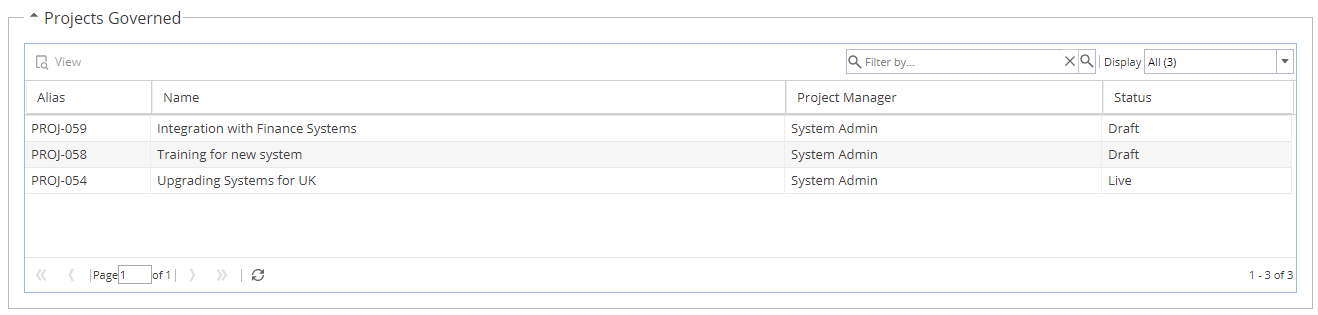
This list shows a list Projects created using this Company Blueprint.
You can filter by Project Name, Alias or Project Manager using the search bar on the top right
You can also filter by Project Status by changing the Display drop down on the top right (All, Draft, Live, Closed)
Double click on a Project to go to Project > Project Home > Overview
Grant Access to Projects Governed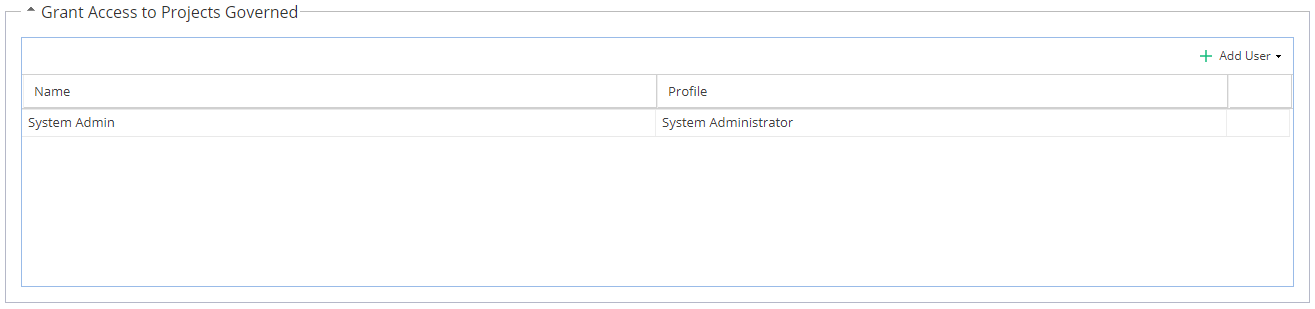
Allows specific users to be Granted Access to any Projects created, based on their Profile (you do not have the option to change this)
You can only add individuals, remember the user will receive emails from the system whenever Projects are created (or closed).