This screen is accessed when you double click on a user from Project > Admin > Project Users 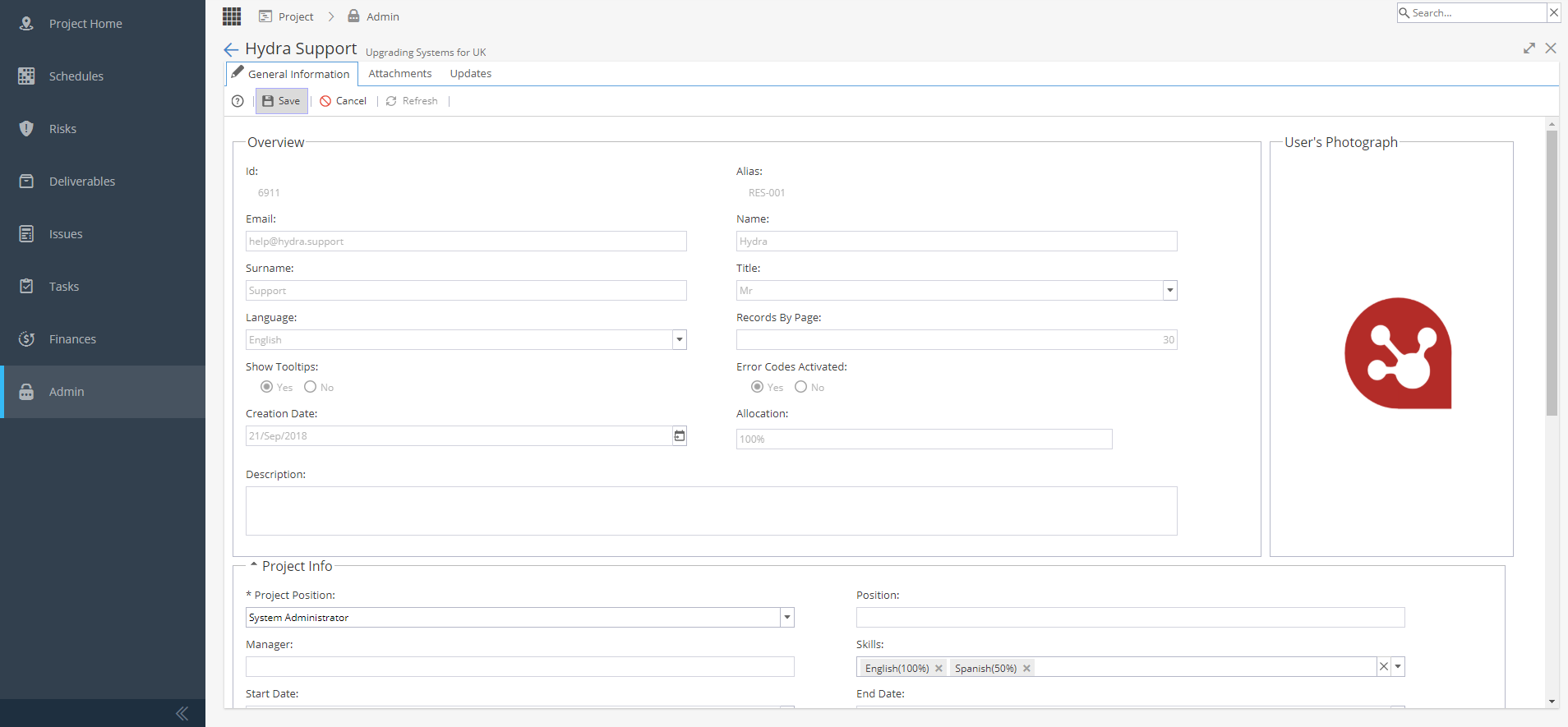
It will show details of the Resource, which can be helpful for users who do not have access to the Resources > Users > General Information screen.
The only detail which can be edited on this screen is the Project Position.
This is helpful when someone is working on a Project in a role different to their day to day, e.g as a consultant.
If other details need to be updated, this needs to be changed via the Resources menu.