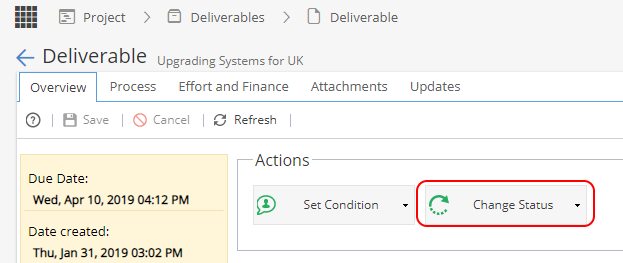
From Knowledge > Blueprint > Assets > Deliverables In the middle panel, you can select a deliverable, issue or risk to configure.
If the States tab is greyed out it means the option has not been enabled.
You need to look on the Overview tab to make sure "Enable States" is ticked.
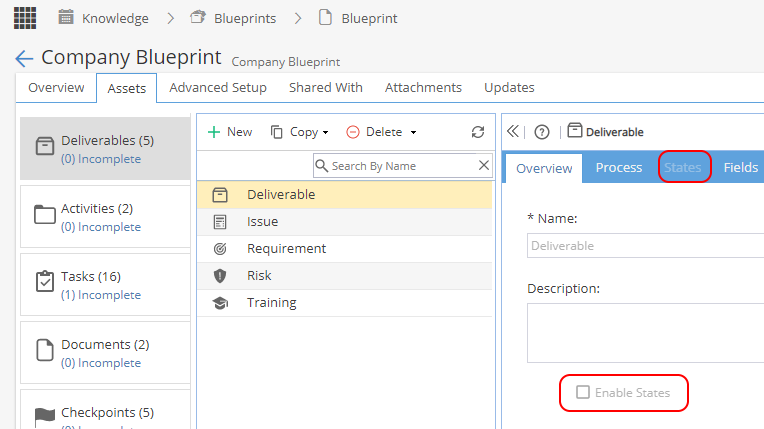
Once you have access to the States tab, you can configure the States.
There are 3 fields:
Name of the State
Default State (usually the first option when nothing has happened yet)
Set the name of a Task which will trigger the change of State once completed.
(You can leave this as Not Configured if the State is only going to be updated manually)
 Remember to make sure the Deliverable is set to complete after making any changes

If you change a Deliverable, the default state will be applied to any new Projects with this Deliverable.
If you have existing Projects using this Deliverable you will need to change the state manually (or the state will change automatically when a Task is closed, if configured to)