When you go to Blueprints > Company Blueprints > Blueprints List and click + New
You will get taken to this screen: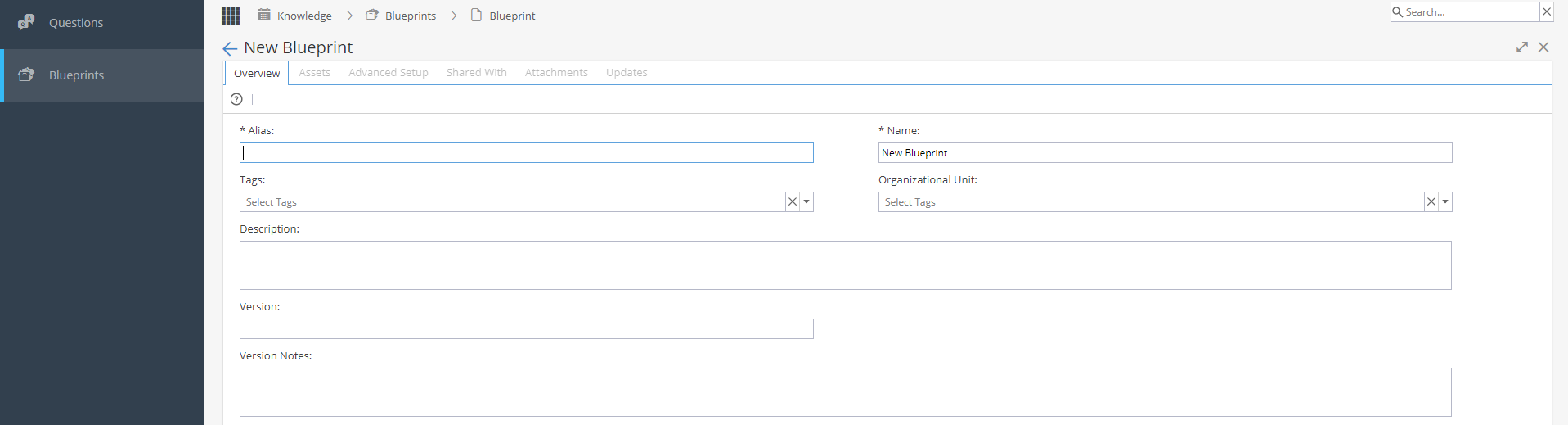
Add Name, Tags, Description, Version and Version Notes as required.
Click OK at the bottom of the screen.
This will show you the Overview screen but with the other tabs e.g. Assets now available so you can start creating your Blueprint.