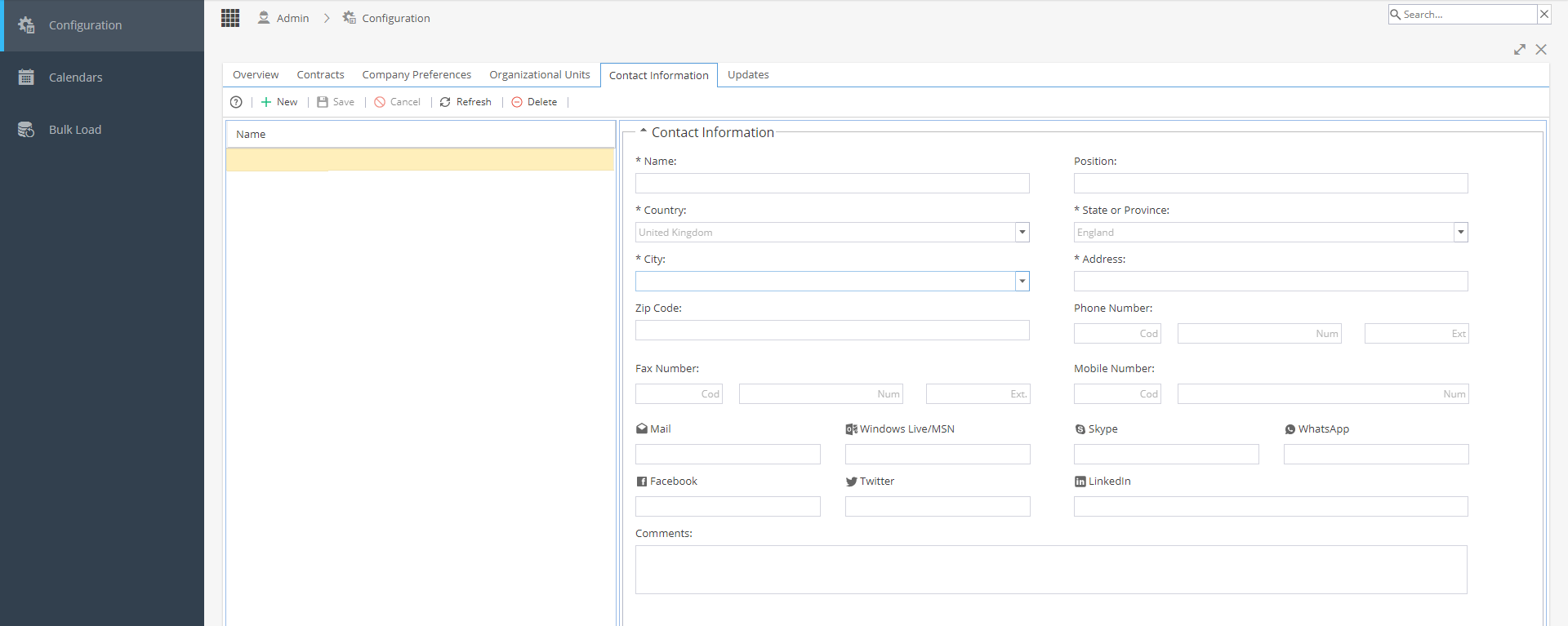
The Contact Information tab allows you to enter various contact details:
Name
Position (Job Title)
Postal Address
Phone / Fax
Email
Social Media
Comments
Additional contacts can be added using the + New
Changes can be Saved or Cancelled
You can Refresh the screen view at any time
The delete button will be greyed out until a Named Contact is selected (the row will highlight yellow)