Across the top of the window you will see Sections (1), how many depends on your access level, but you will always have My Space, Which is your homepage to configure how you like with the available widgets.
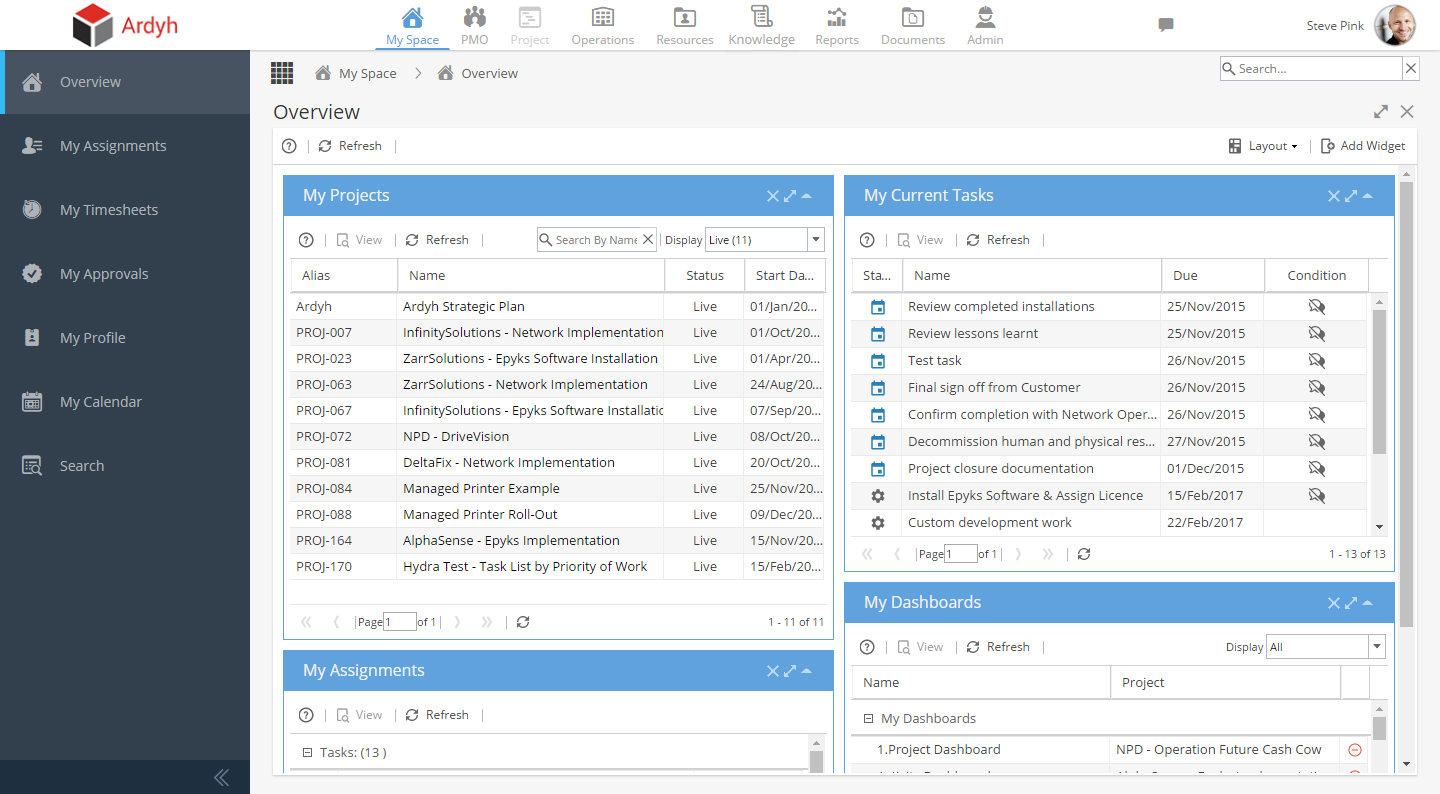
The Project Icon remains grey'd out until a project is being worked on (otherwise the system does not know which project you wish to work with)
To quickly access a project make sure you have a My Projects widget, and double click the project you wish to work with (remember it could be in draft so remember to display all, not just live)
On the left hand side of the screen you will find a sub-menu relative to the section you are in (2). What you see here is also dependent on your access level as well.