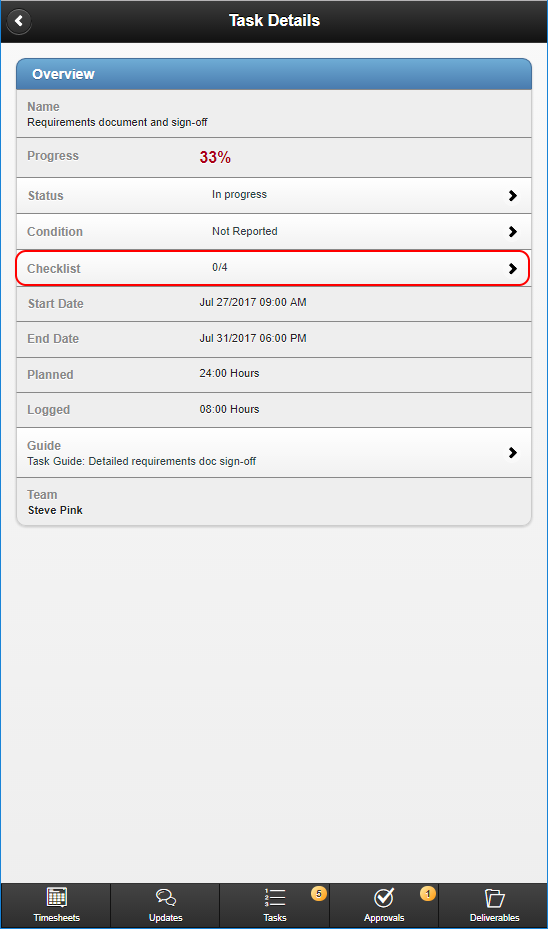
Within the Details of a Task on Hydra Mobile you can Manage the Checklist Items of a task (If the task has any). Start by Selecting Checklist
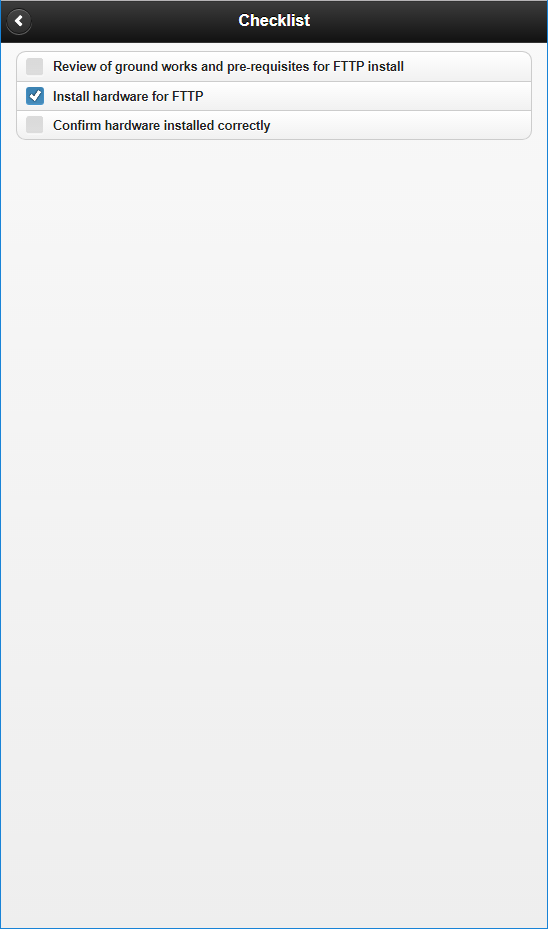
In the next screen you can then check or un-check items as required, then use the back button to return to the Task Details