Hydra Mobile is available on your mobile device by accessing m.hydra.cloud
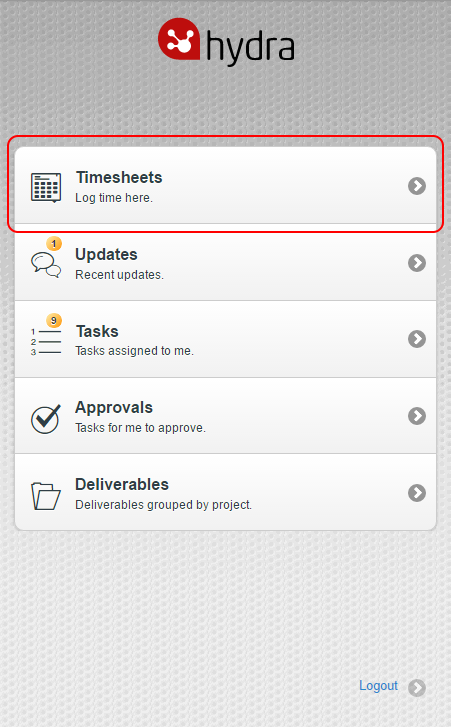
You can enter Admin Time on your Timesheets on Hydra Mobile. To do this, navigate to m.hydra.cloud and log in then select Timesheets:
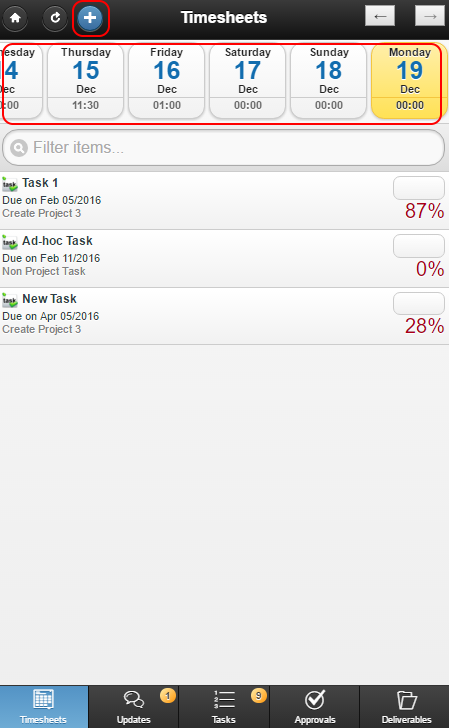
The Timesheets page will display.
Scroll left or right through the days at the top of the page (note: you cannot enter time for a future date) and select a day, then click the Add button in the top left:
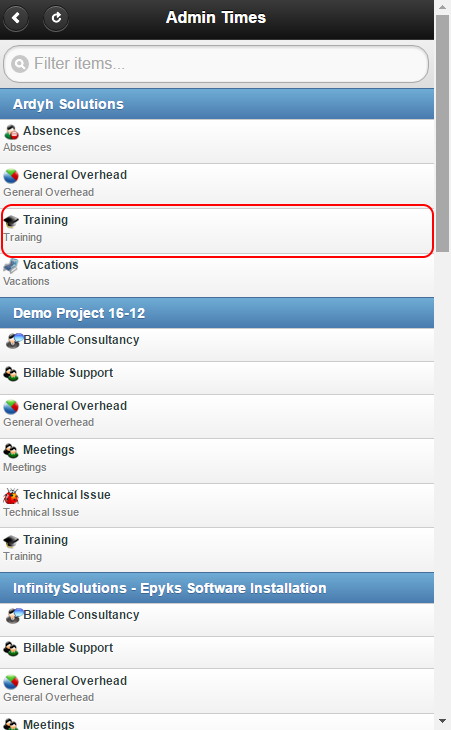
A list of Projects containing Admin Time types will appear, such as Training, Vacations or Meetings. Select the appropriate Admin Time - as an example, 'Training':
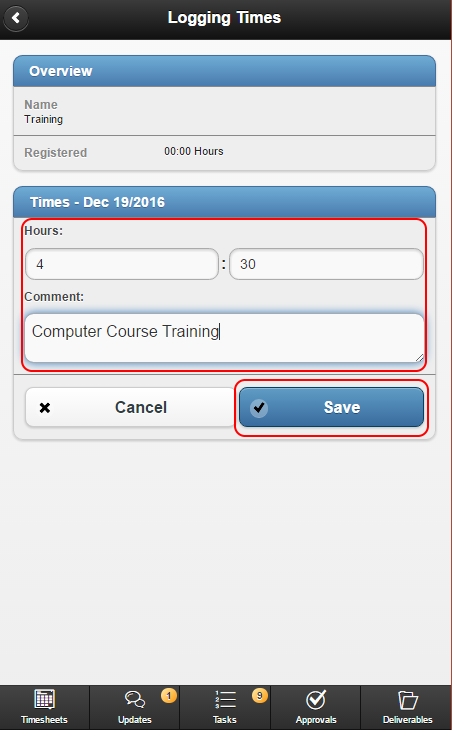
The Logging Times page will appear. Enter the Hours and Minutes required as well as any Comment if desired and click Save:
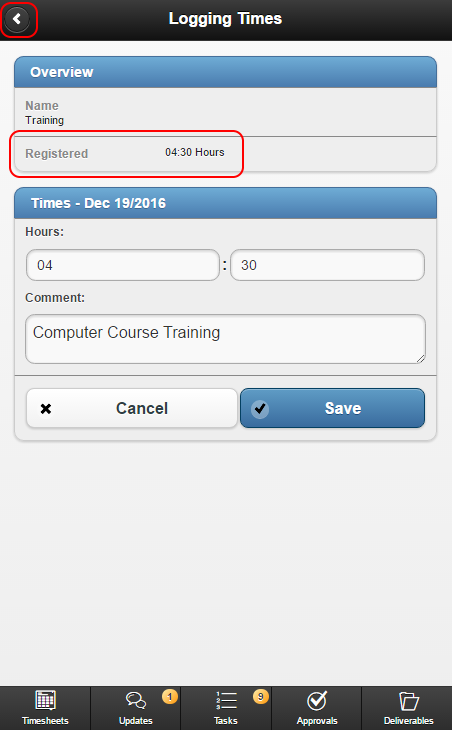
The Registered Hours will update accordingly. Click the Back button to return to the Timesheets page:
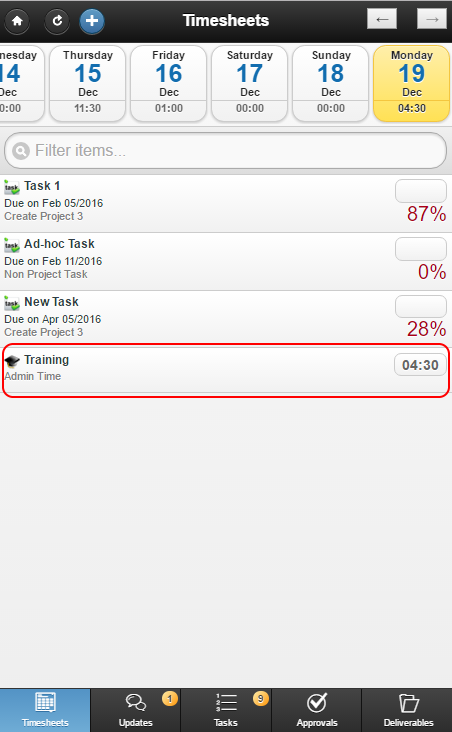
The Admin Time will appear: