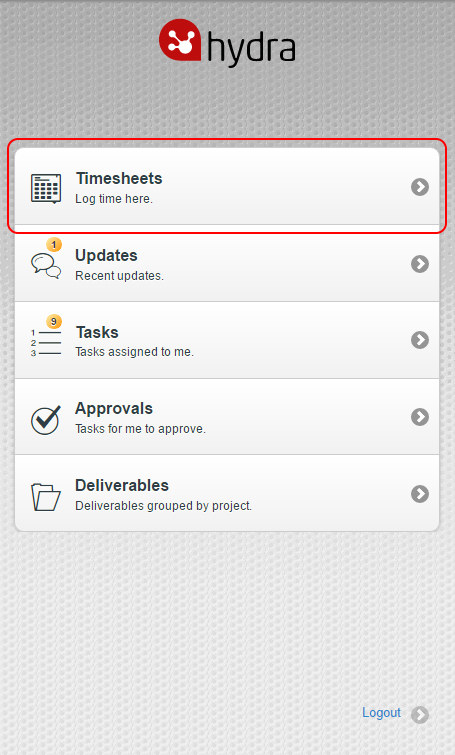
You can enter Task time on your Timesheets on Hydra Mobile. To do this, navigate to m.hydra.cloud and log in then select Timesheets:
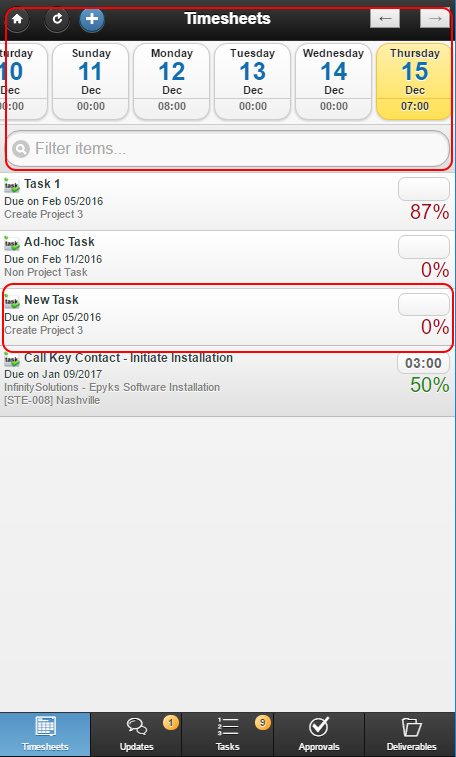
The Timesheets page will display your list of Tasks.
Scroll left or right through the days at the top of the page (note: you cannot enter time for a future date) and select a day, or perform a search by entering text in the 'Filter items' box. Select the Task you wish to record time against:
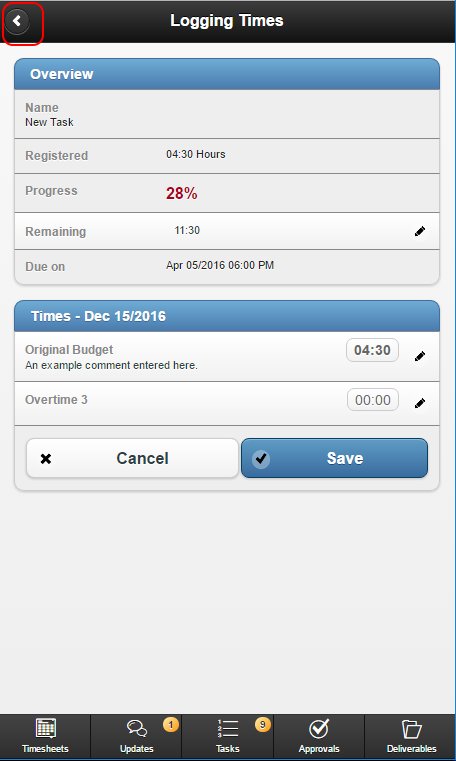
The Logging Times page will appear, displaying further Task Details. To log time, click the Edit button to the right of Original Budget (also known as Normal Time) or Overtime, enter the number of hours and minutes and add a comment as necessary, then click Save:
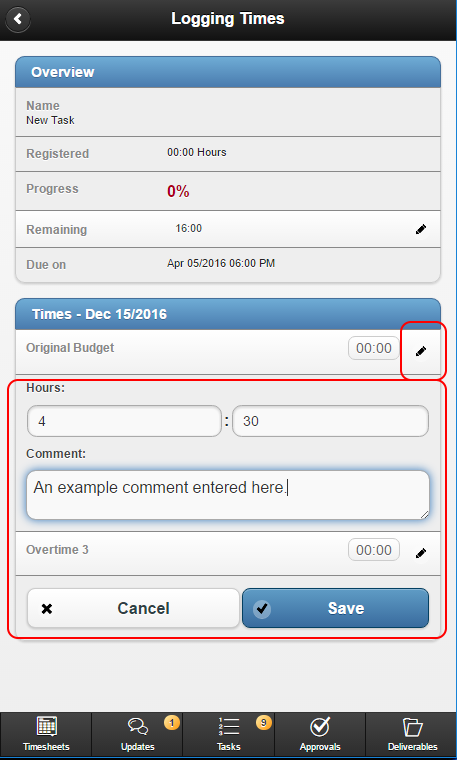
The Task will update instantly; click Back in the top left to return to the Timesheets page and see your Task list:
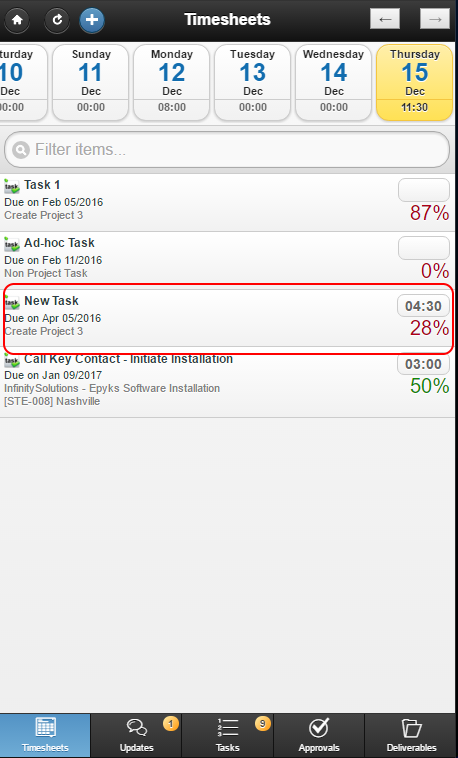
The Timesheets page has been updated: