The Finances > Cash Flow tab shows you a snapshot of your cost and revenue estimates and actual amounts recorded for the Project overall and broken down over a 6 month period.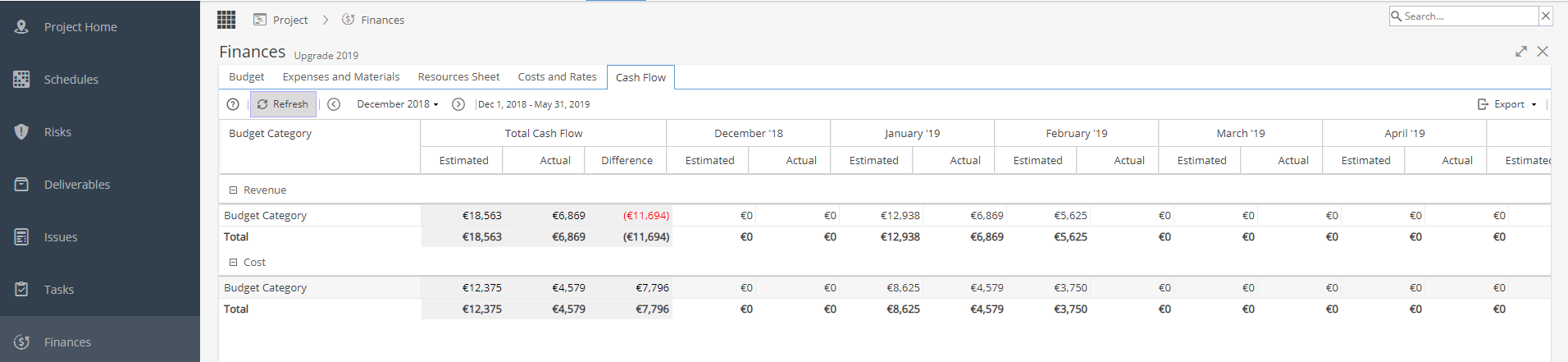
On the top left hand side you can:
- Refresh the screen to see any updated information
- Choose a date range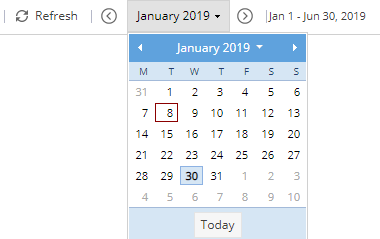
It doesn't matter which day in a month you select, as the whole month will be used for the cost / revenue amounts.
You can see a breakdown over a 6 month period so you can use the arrows to scroll backwards / forwards.
The Total Cash Flow shown is for the entire Project, not just the 6 month window selected.
On the top right hand side you can export this view in your preferred format: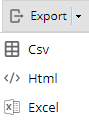
You may sometimes see a yellow banner with a warning:
This typically is due to materials or expenses. The estimated values will be shown in your view but the actual values are not recorded until the Task is marked as complete.
To see a similar view across multiple projects look at PMO > Forecast