The Library is split into two tabs, Company and Projects.
The Company Library tab will show Documents added as Attachments (or Updates with Attachments) to areas outside of a Project such as Customers or Resources.
The Project Library tab will show Documents added as Attachments (or Updates with Attachments) to areas within a Project such as Tasks or Risks. 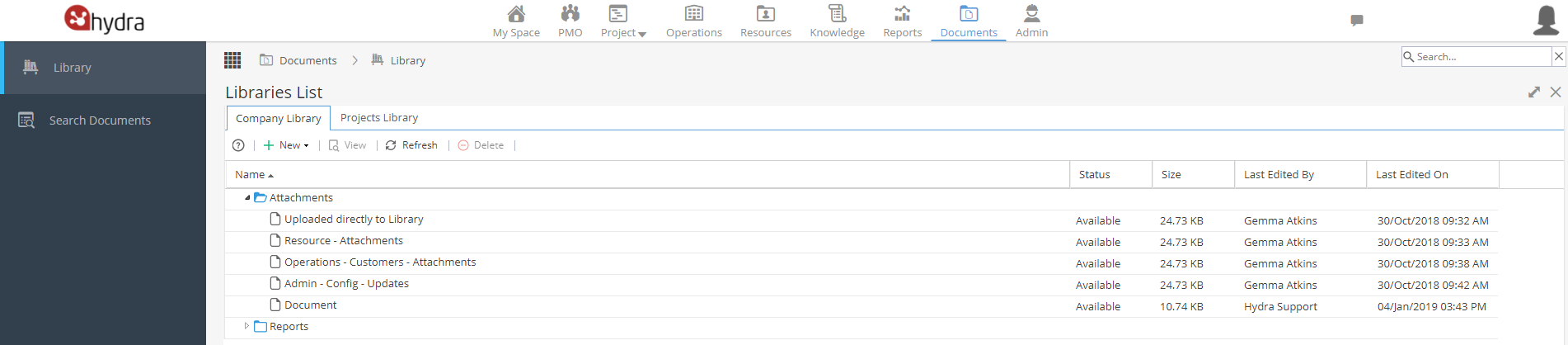
You can click the + New button to add Documents or create new Folders
Double click on a Folder to go to the Folder Details if you need to rename the folder or check who the folder is shared with.
(Note: Some folders are system created, so the sharing options can not be changed)
Double click on a Document to go to the General Information tab for more details.