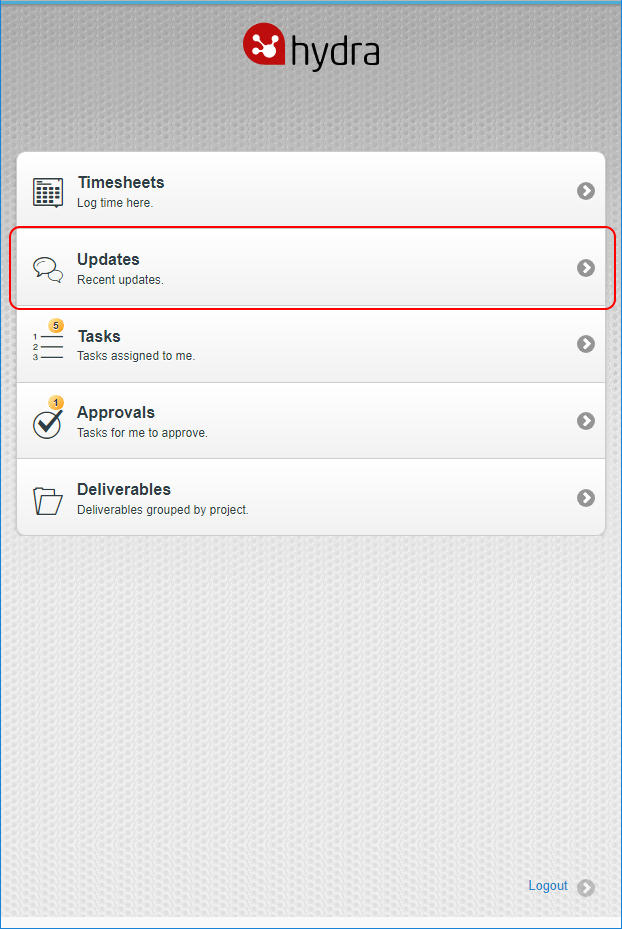
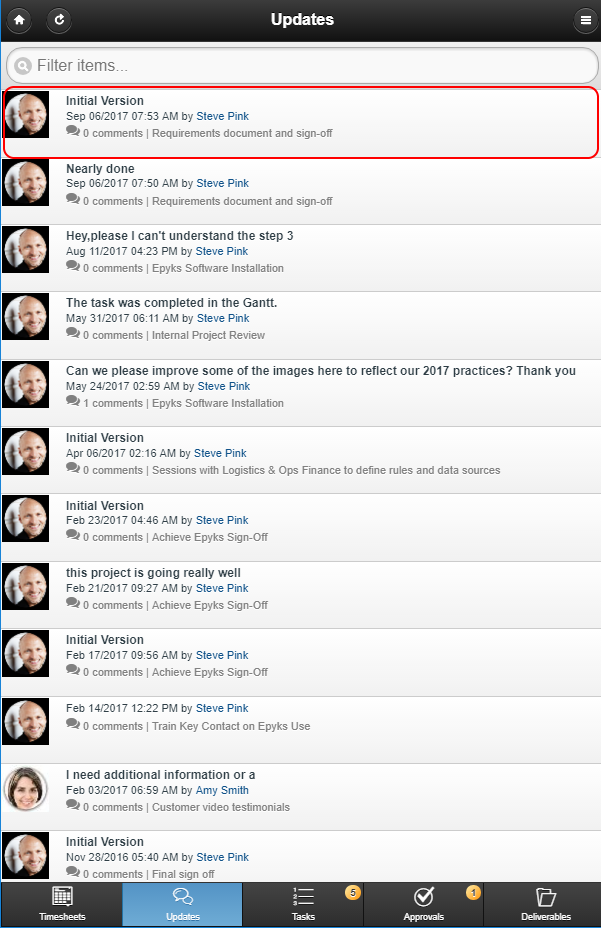
To Read, Create and Respond to updates from mobile, Select Updates from the home screen.
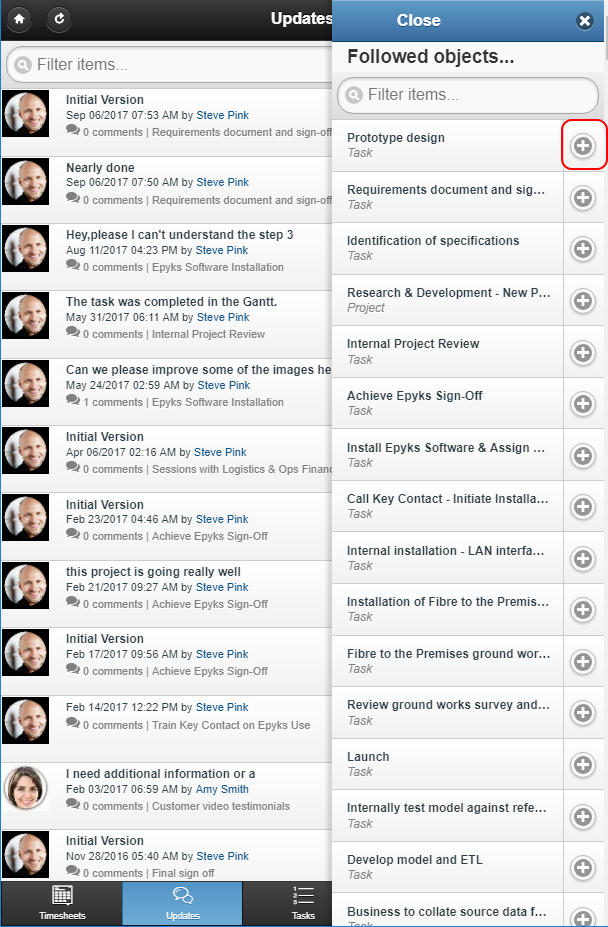
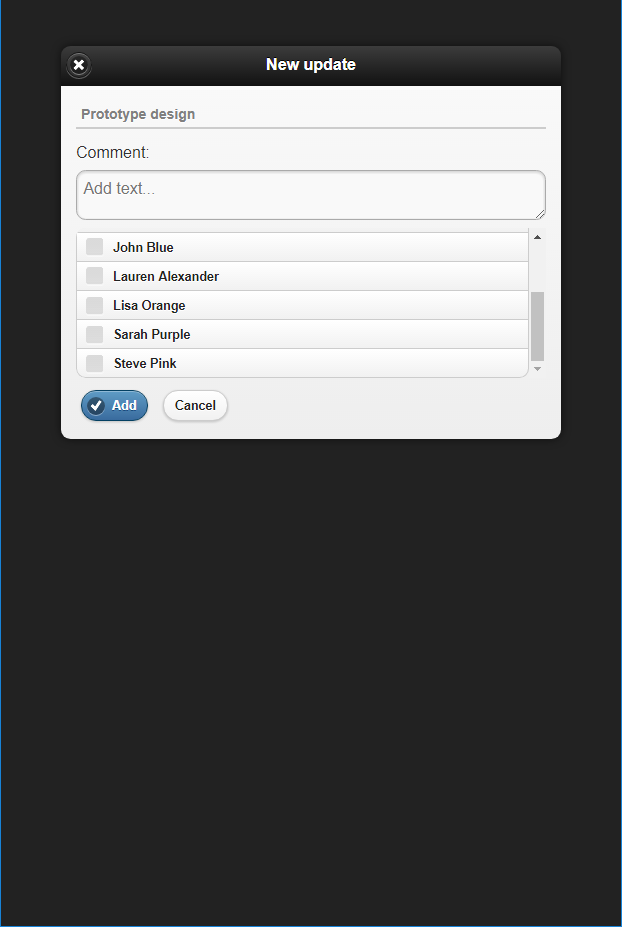
To Create a new Update select the Menu from the Top Right, and press the + Icon for the Object you wish to add an update for. When creating the Update, you can select the Users you wish to notify, when you are happy just click Add
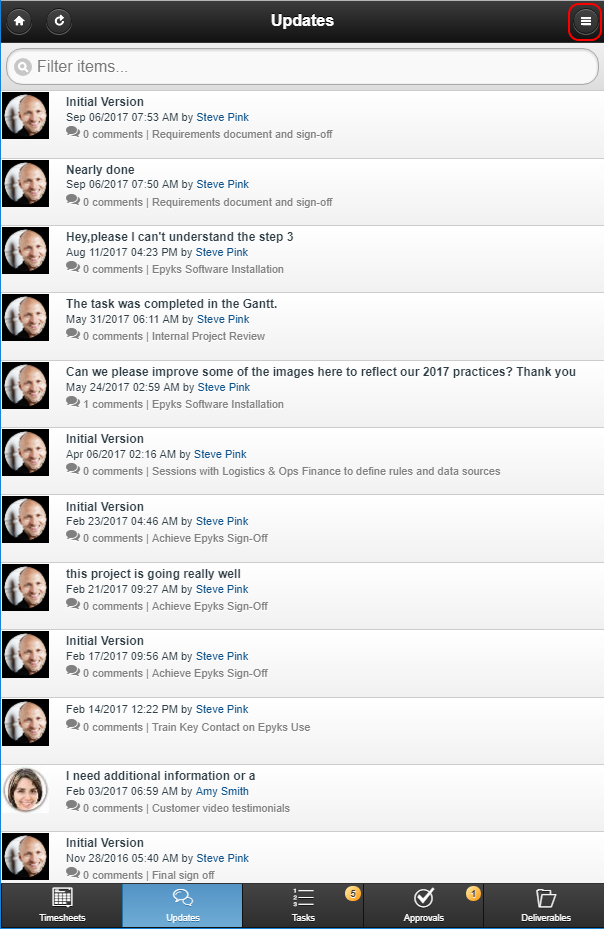
To Read an update simply select it.
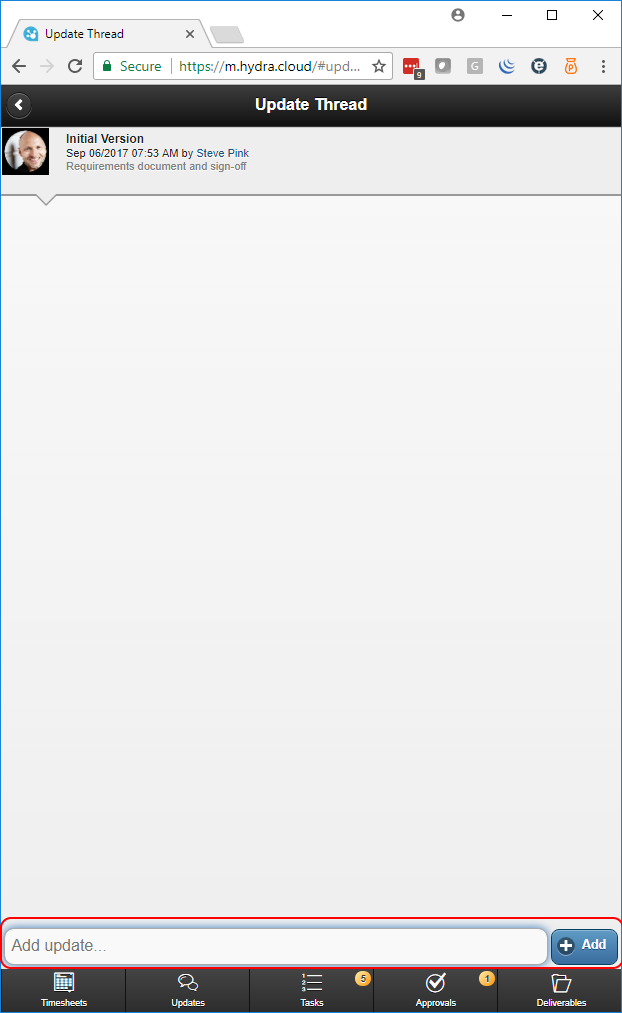
To Respond, Enter your update in the text box at the bottom and then press Add