My Project Assignments
This screen will show you any Projects assigned to you.
Projects will automatically appear in this view when you are assigned as a Project Manager (PM) or if you have a Project allocated to you via Resources > Planning.
There is a filter option on the top right to view Live and/or Expired assignments.
(You will not be able to see Draft or Closed Projects from this view.)
The +Info link will give you a pop up window with some more information.
The person Responsible is the Project Manager.
If a Project is showing as expired but this is not the case, you can click on +Info to check the Project Start / End dates against the Allocated From / To dates.
If the Allocated dates need to be extended to match the Project you can go to Resources > Planning, locate the User, find the Project, you can drag the start / end of a Project to adjust the dates.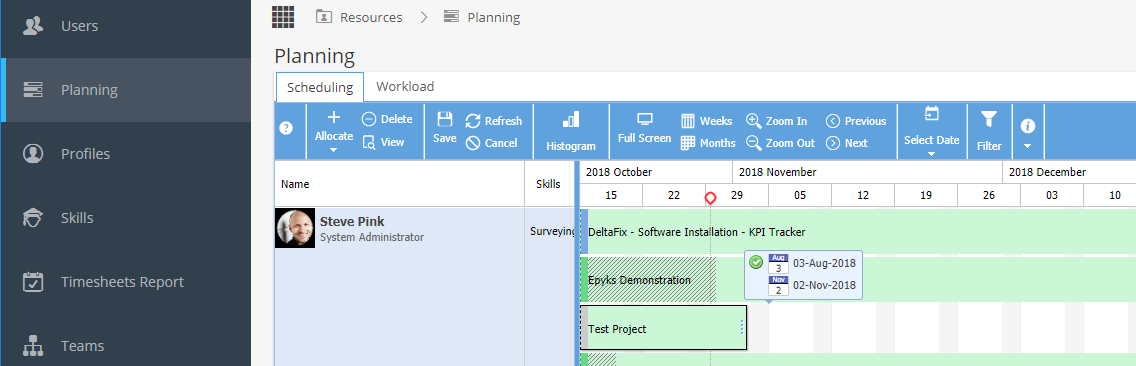
If updated to a current date the Project will show as Live again in the My Project Assignments tab.